Export Notion to Cards Effortlessly and Stunningly
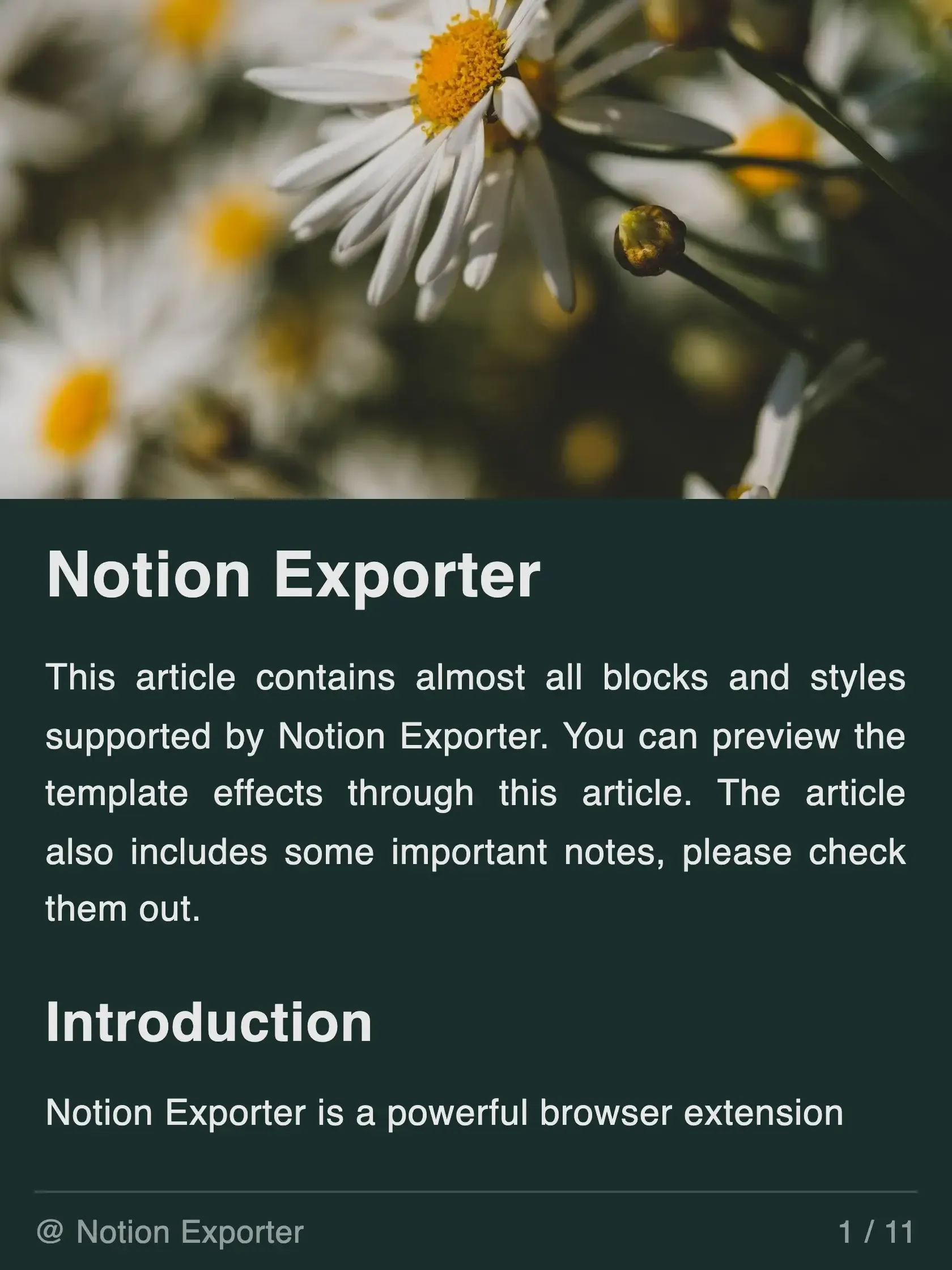
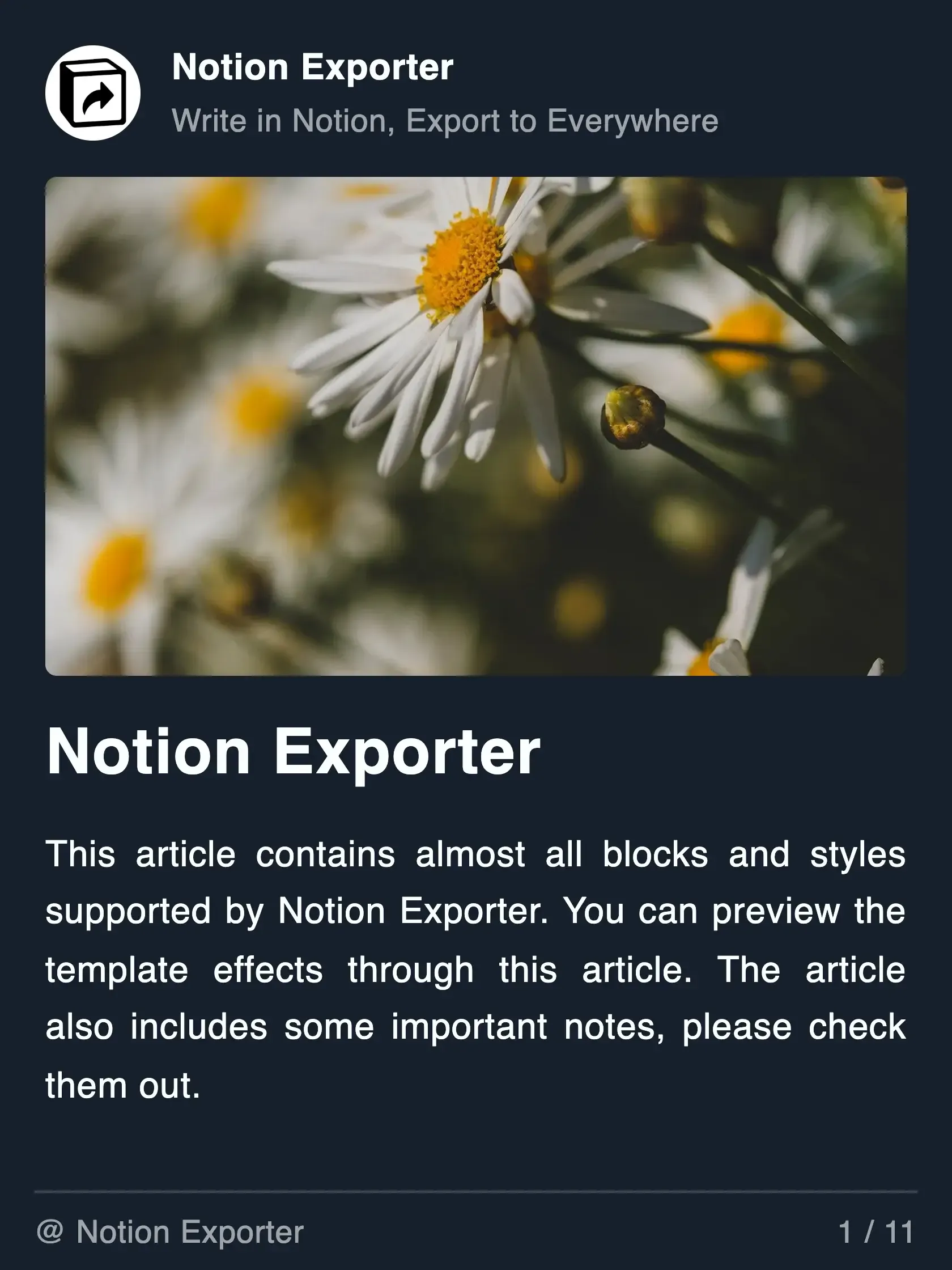
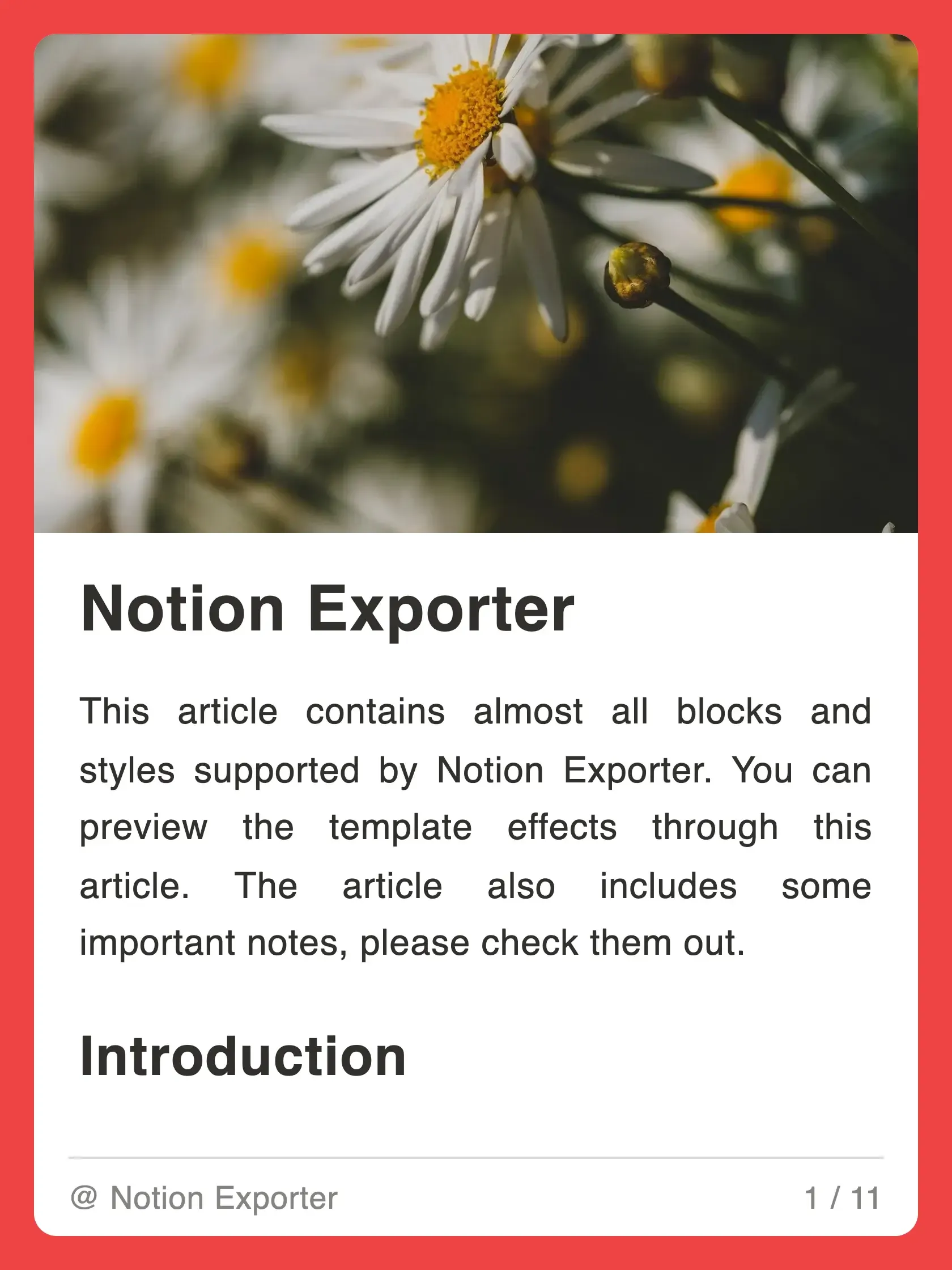
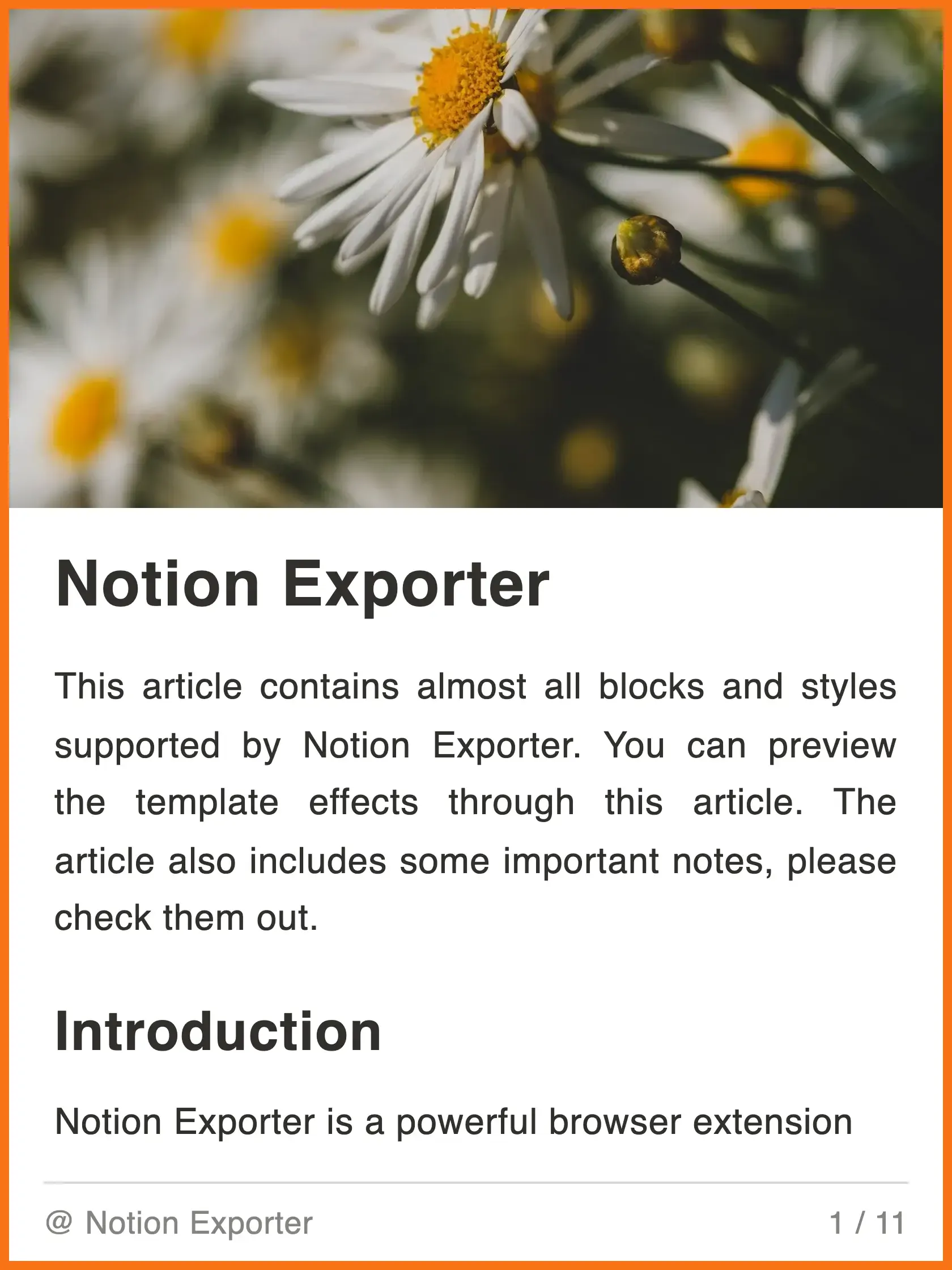
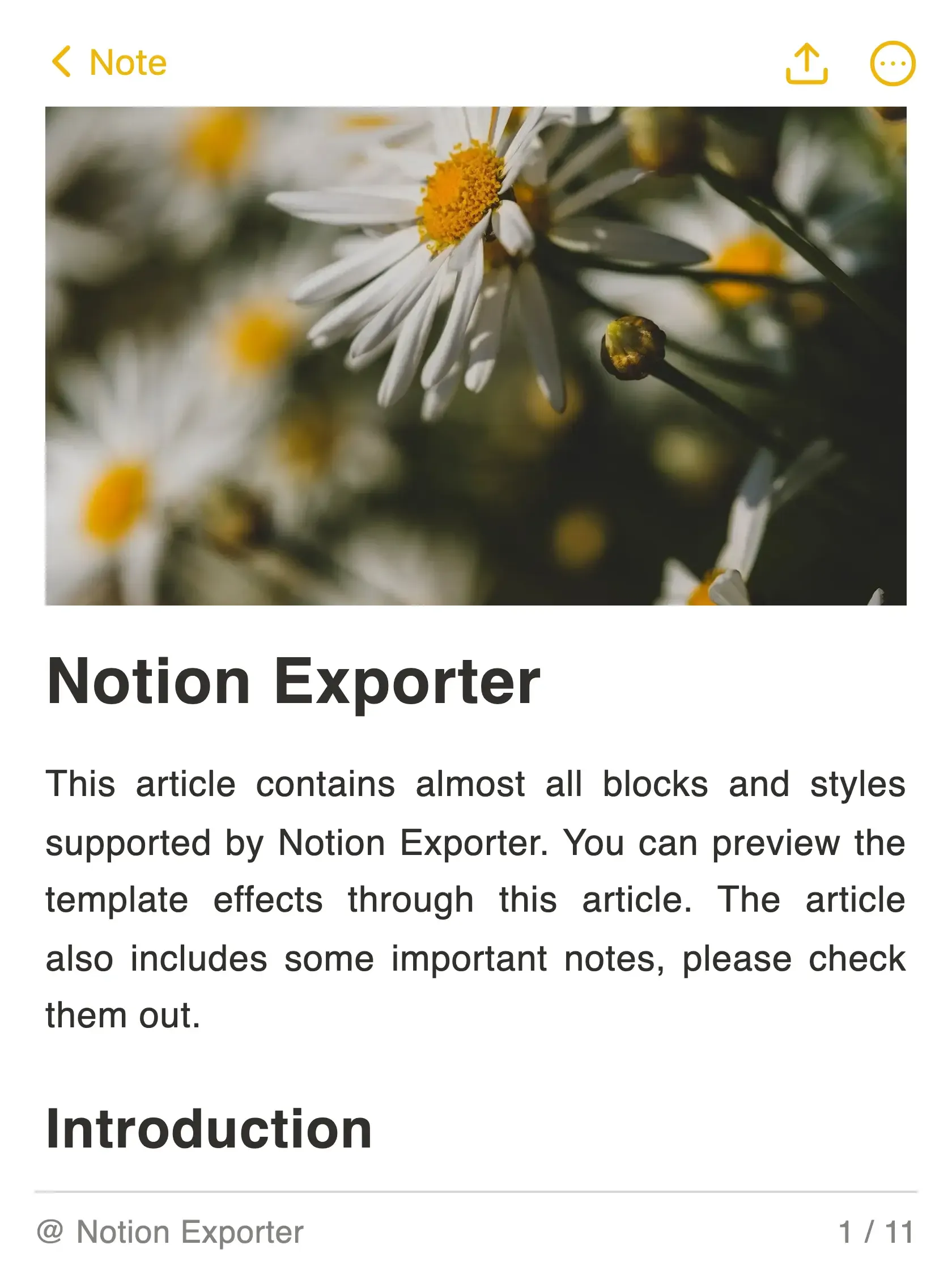
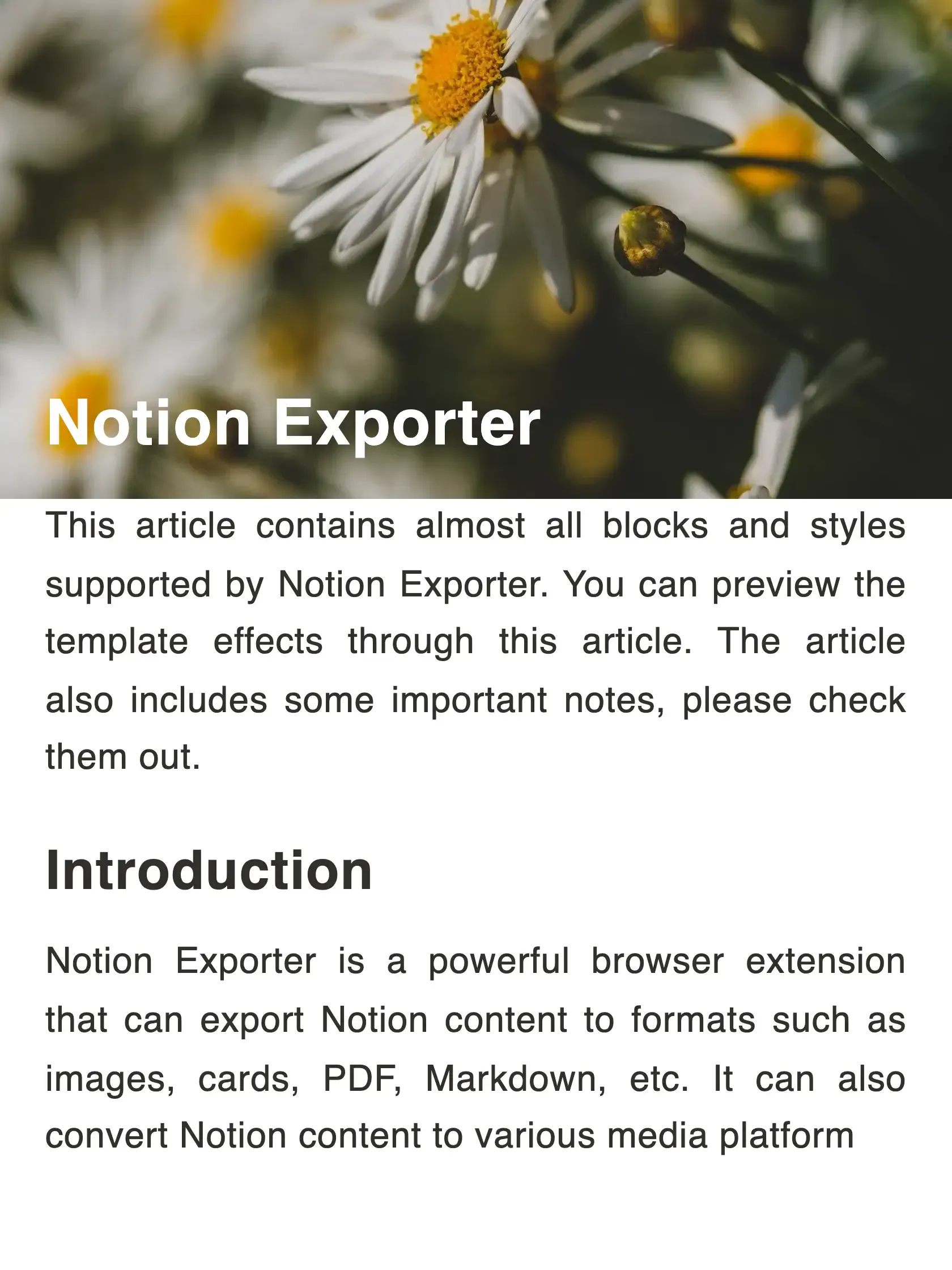
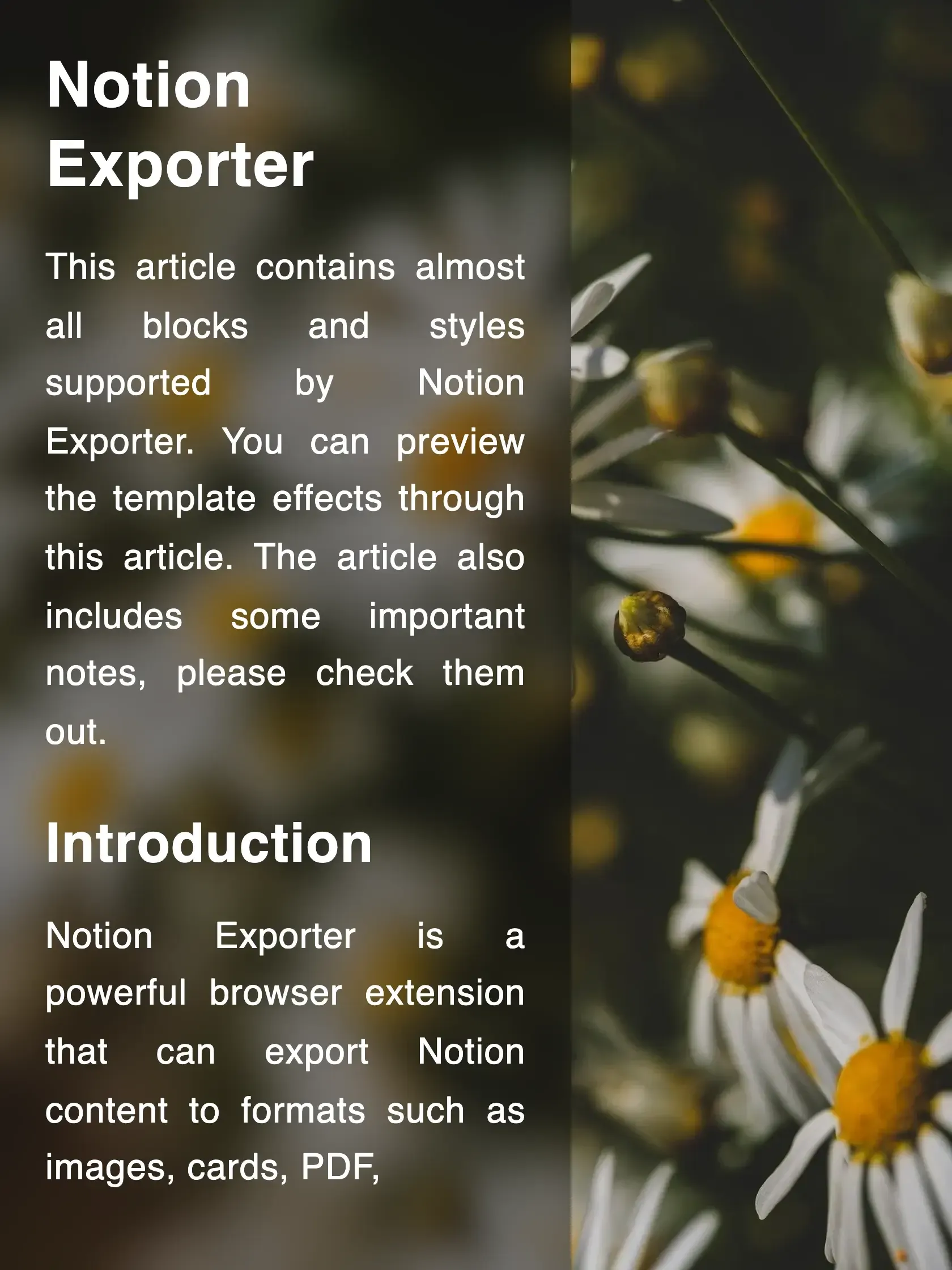
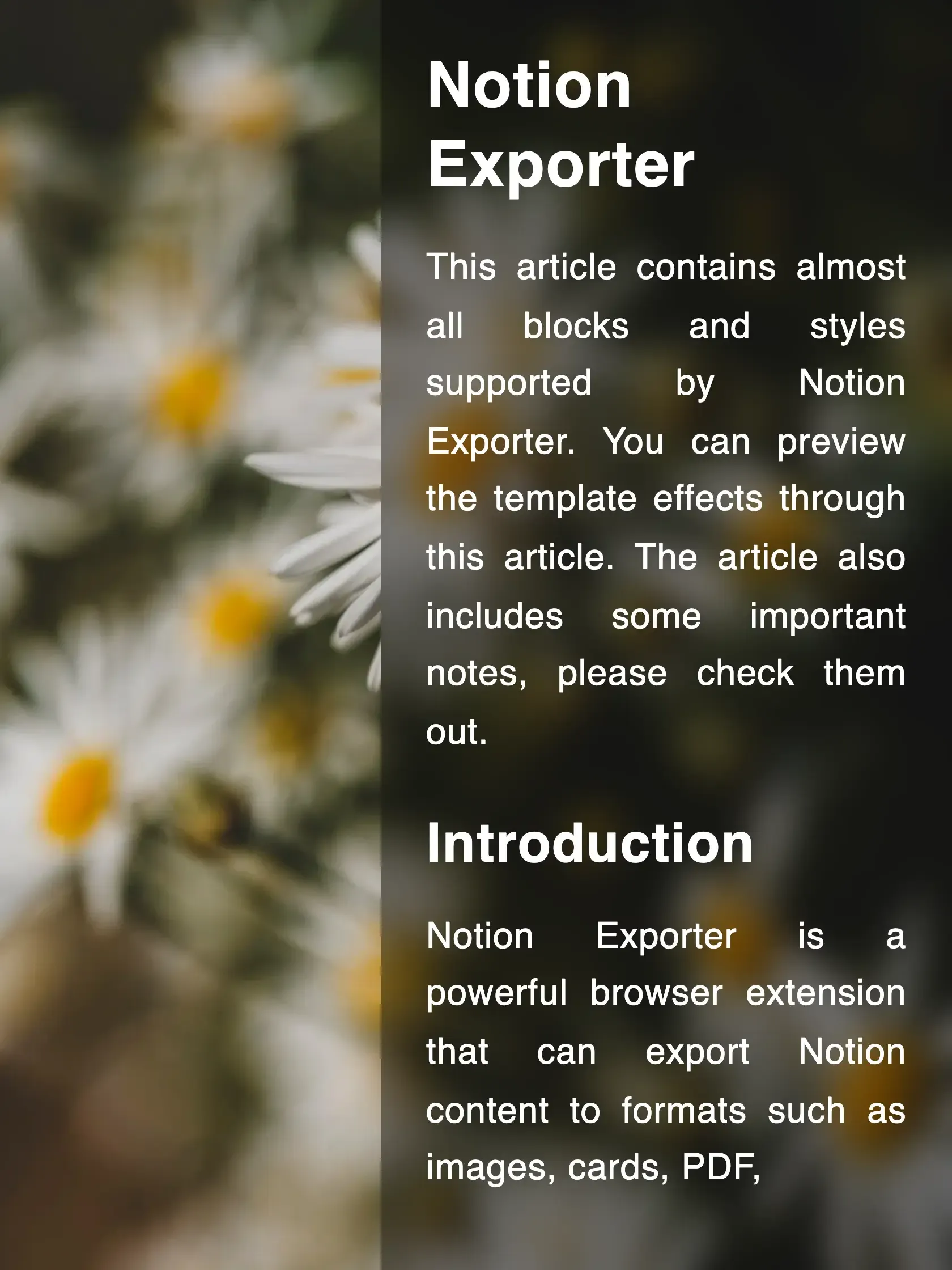
Export Notion to cards, preserve the original layout and style, customize aspect ratio, style, font, brand, and more.


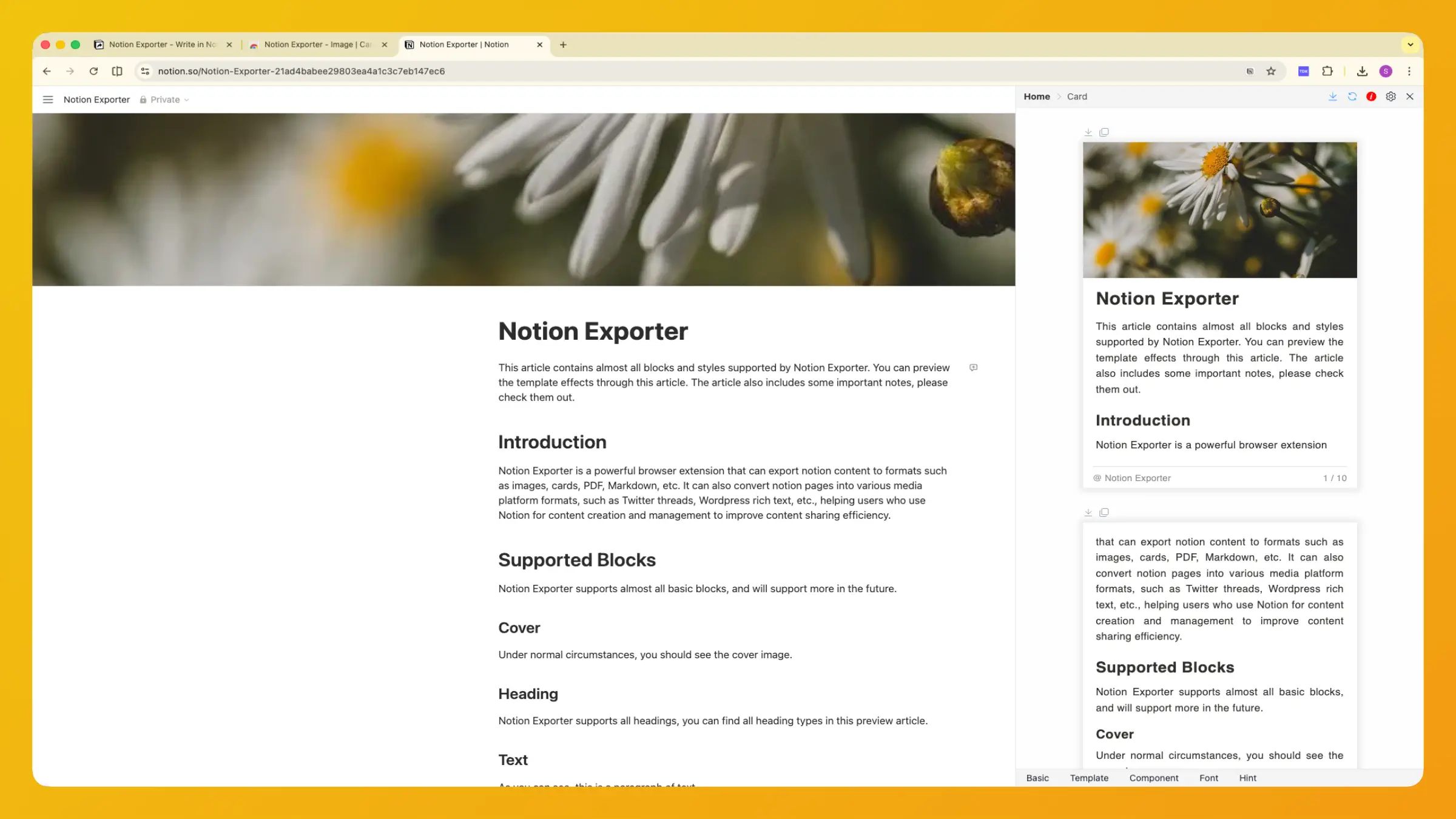
Share Cards to Social Media
Most social media accept image sharing, if you like to write in Notion, you can export Notion to cards and share to social media

X

REDnote



TikTok
What Makes Notion Exporter Special
Notion Exporter provides powerful card export features that go beyond your expectations.
Rich Features Out of the Box
Components
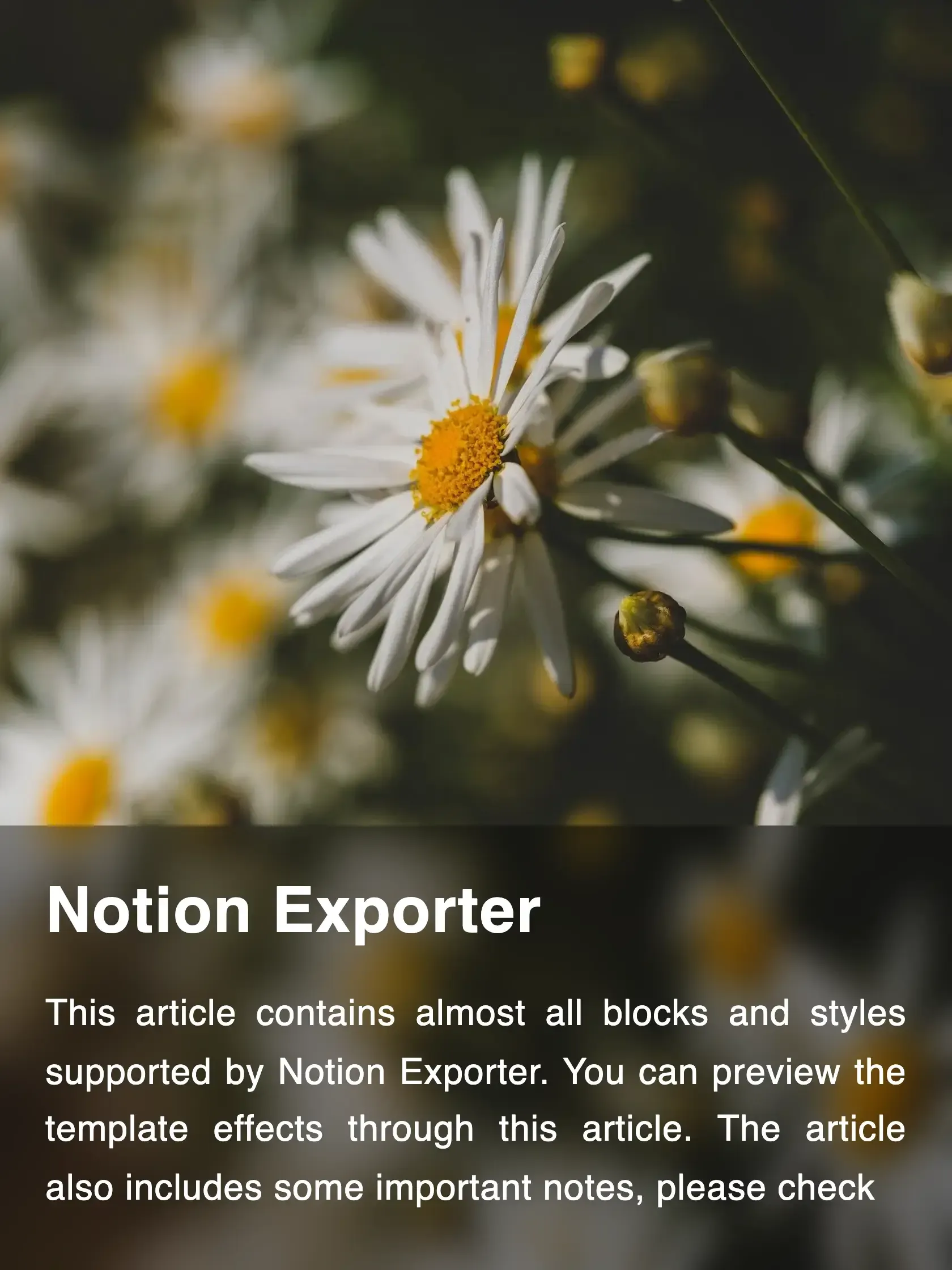
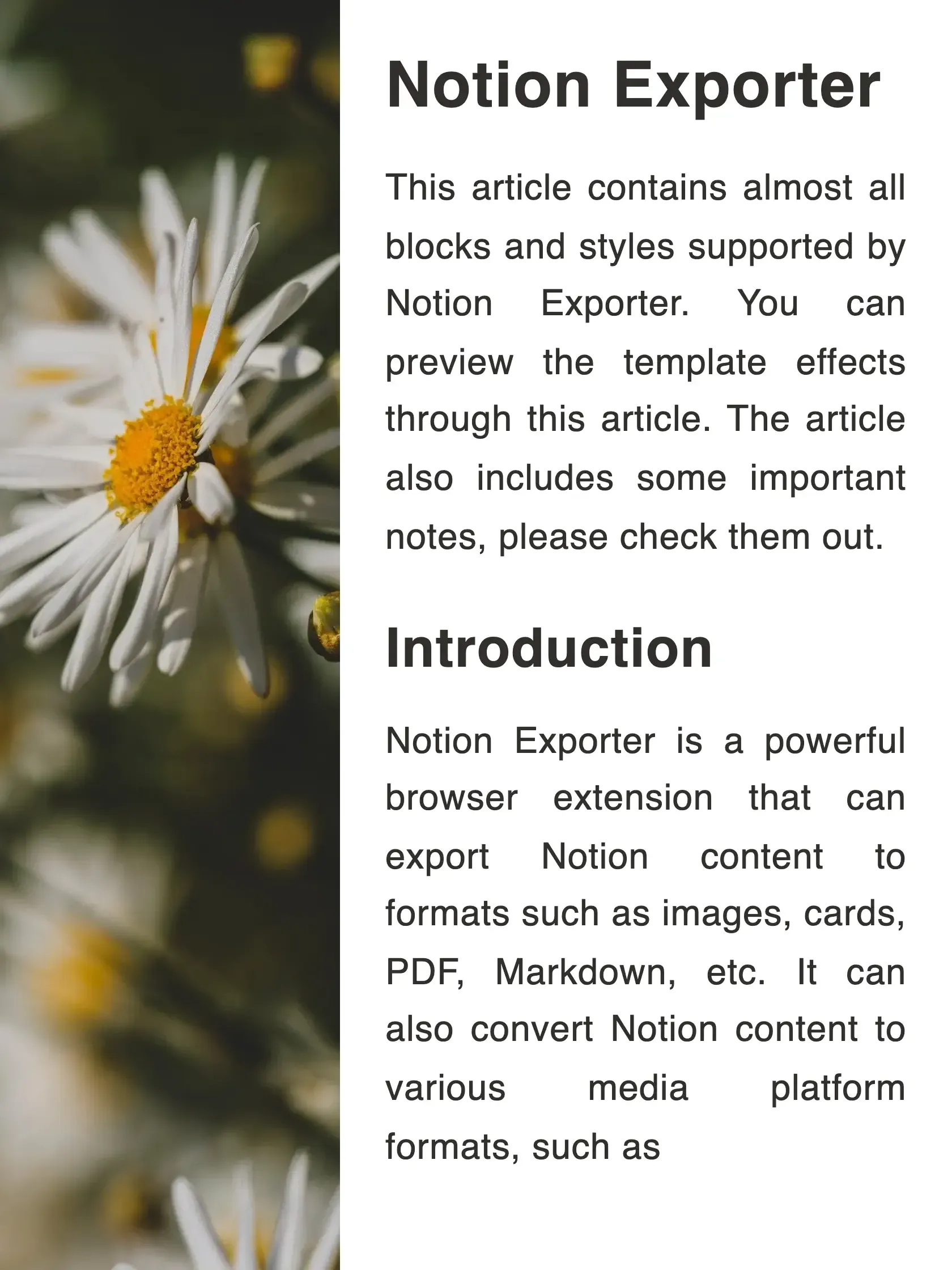
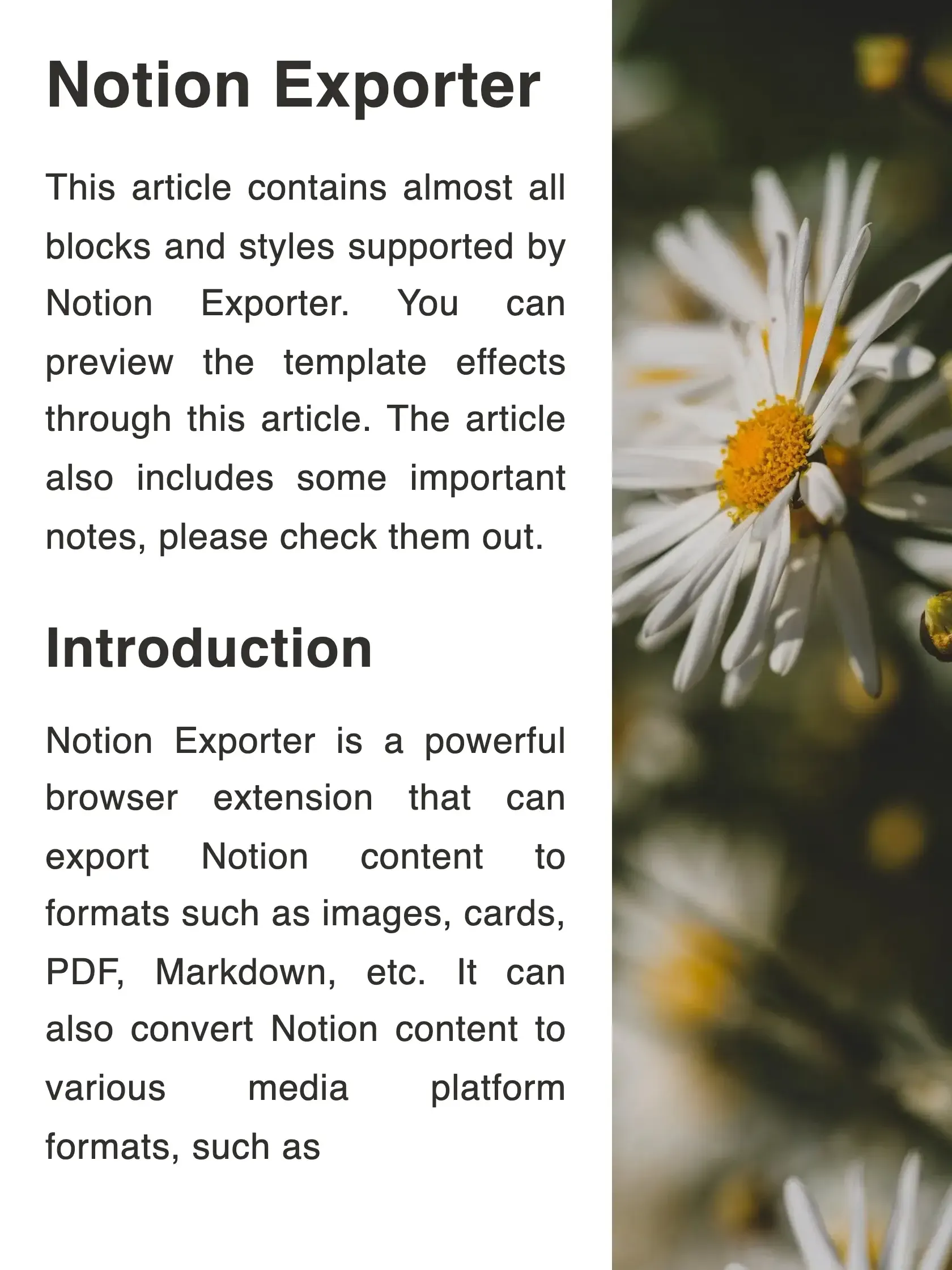
Supports various components such as header, footer, author, watermark, and more.
Custom Size
Supports custom sizes to fit the requirements of different platforms.
Flexible Pagination
Supports manual page breaks as well as automatic pagination for perfectly split content.
Custom Styles
Almost every detail can be customized, including fonts, backgrounds, component styles, and more.
Templates
All custom styles can be saved as templates for easy reuse next time.
Multiple Export Formats
Supports PNG and JPG formats.
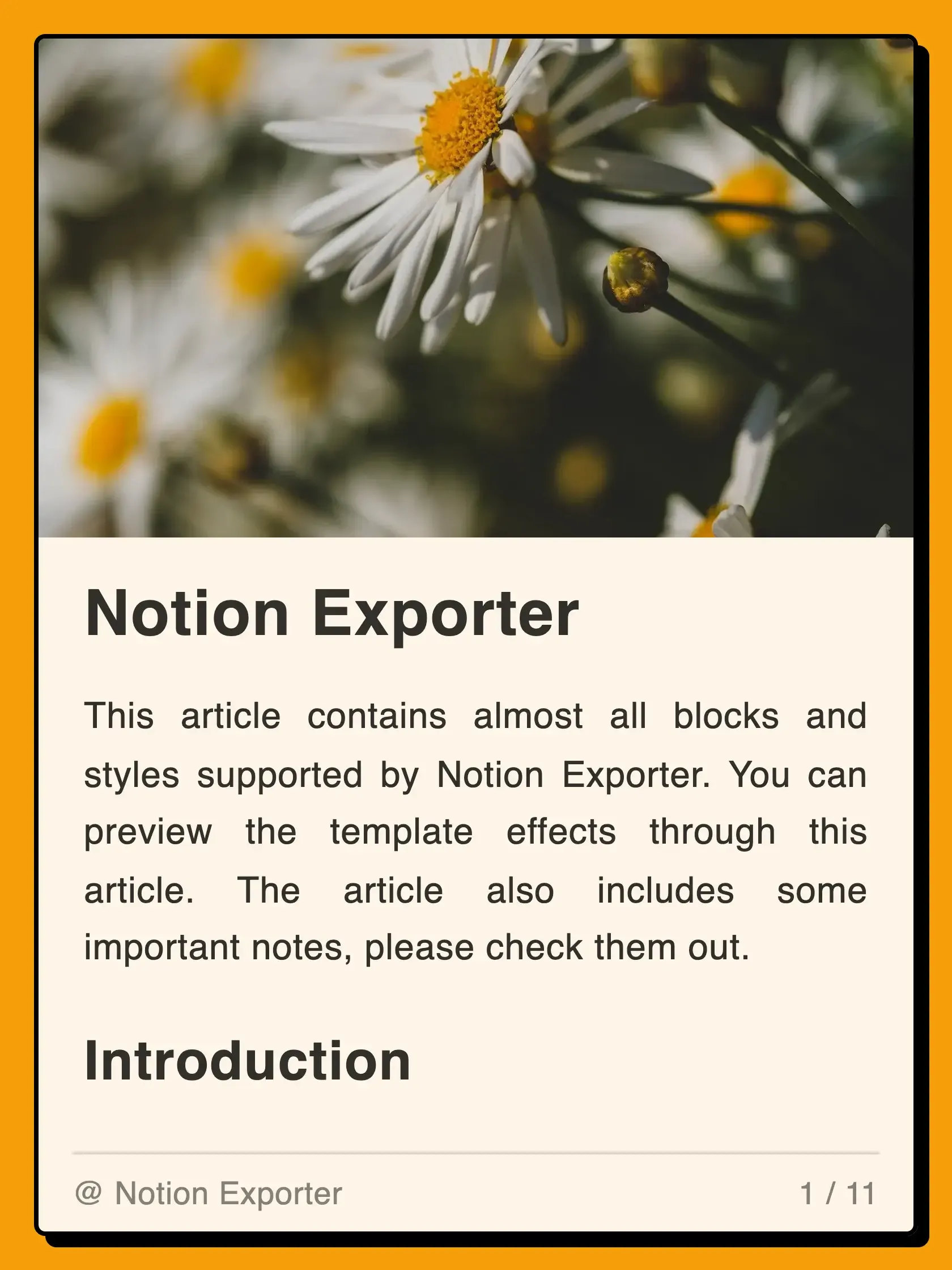
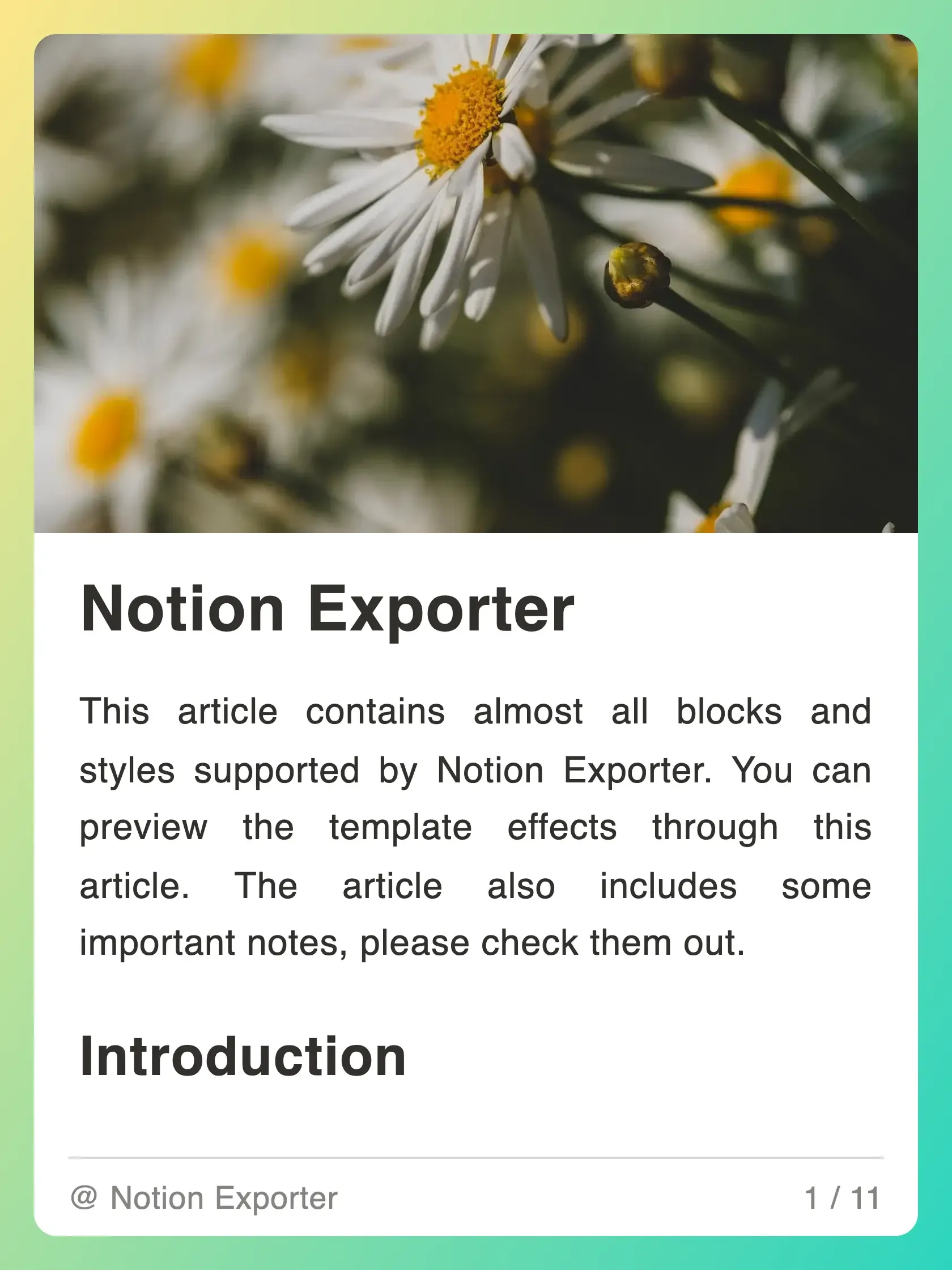
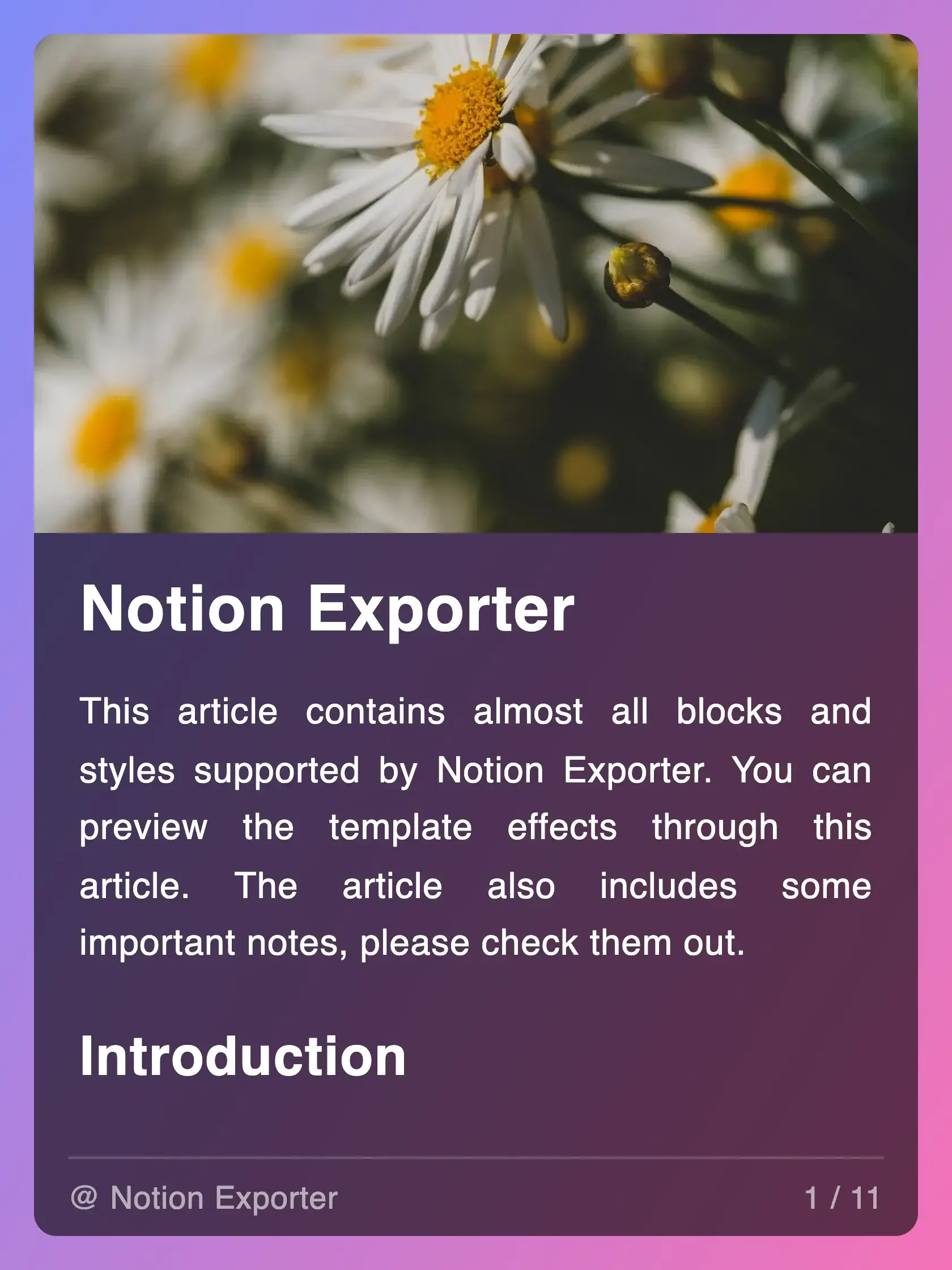
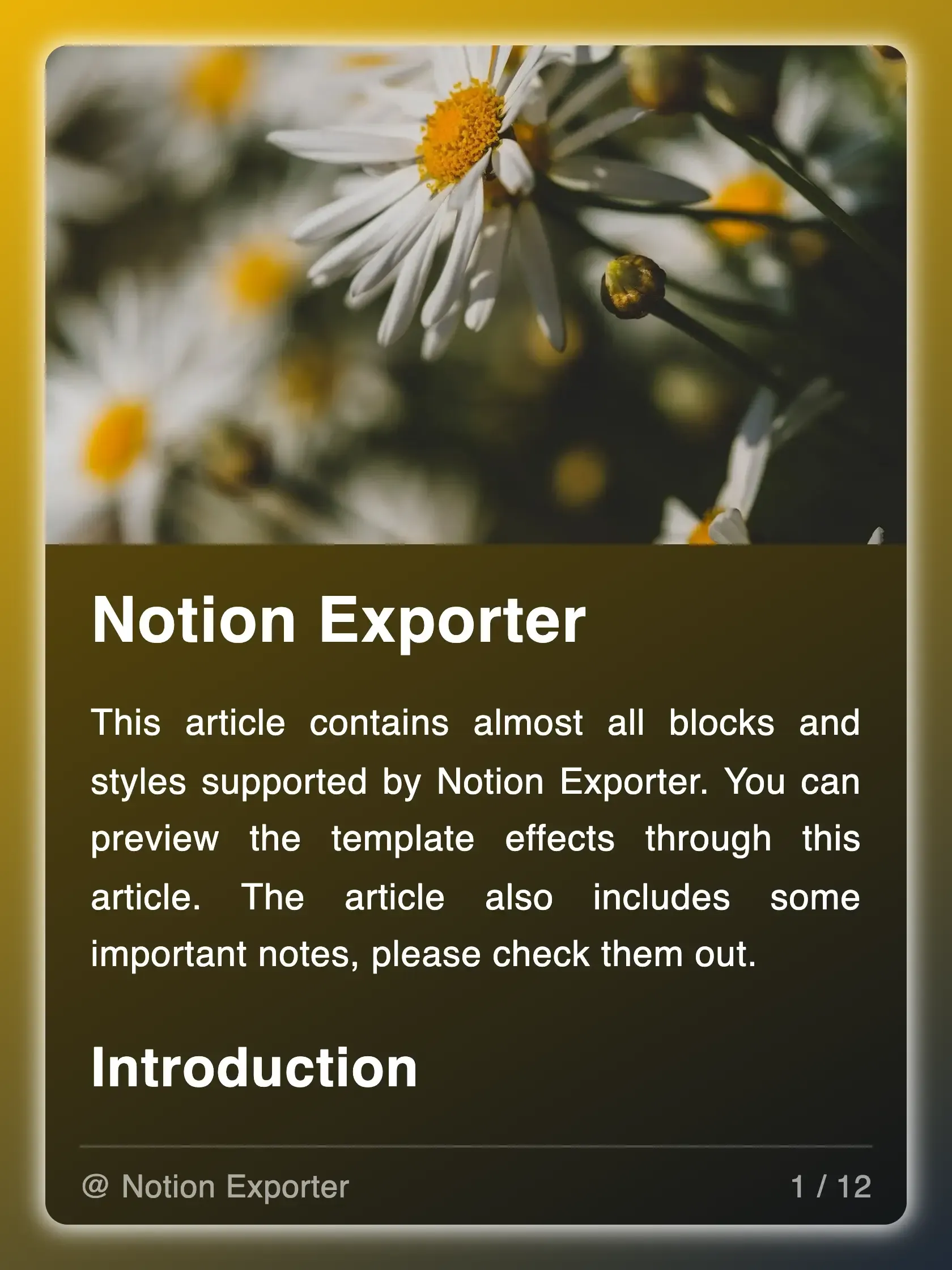
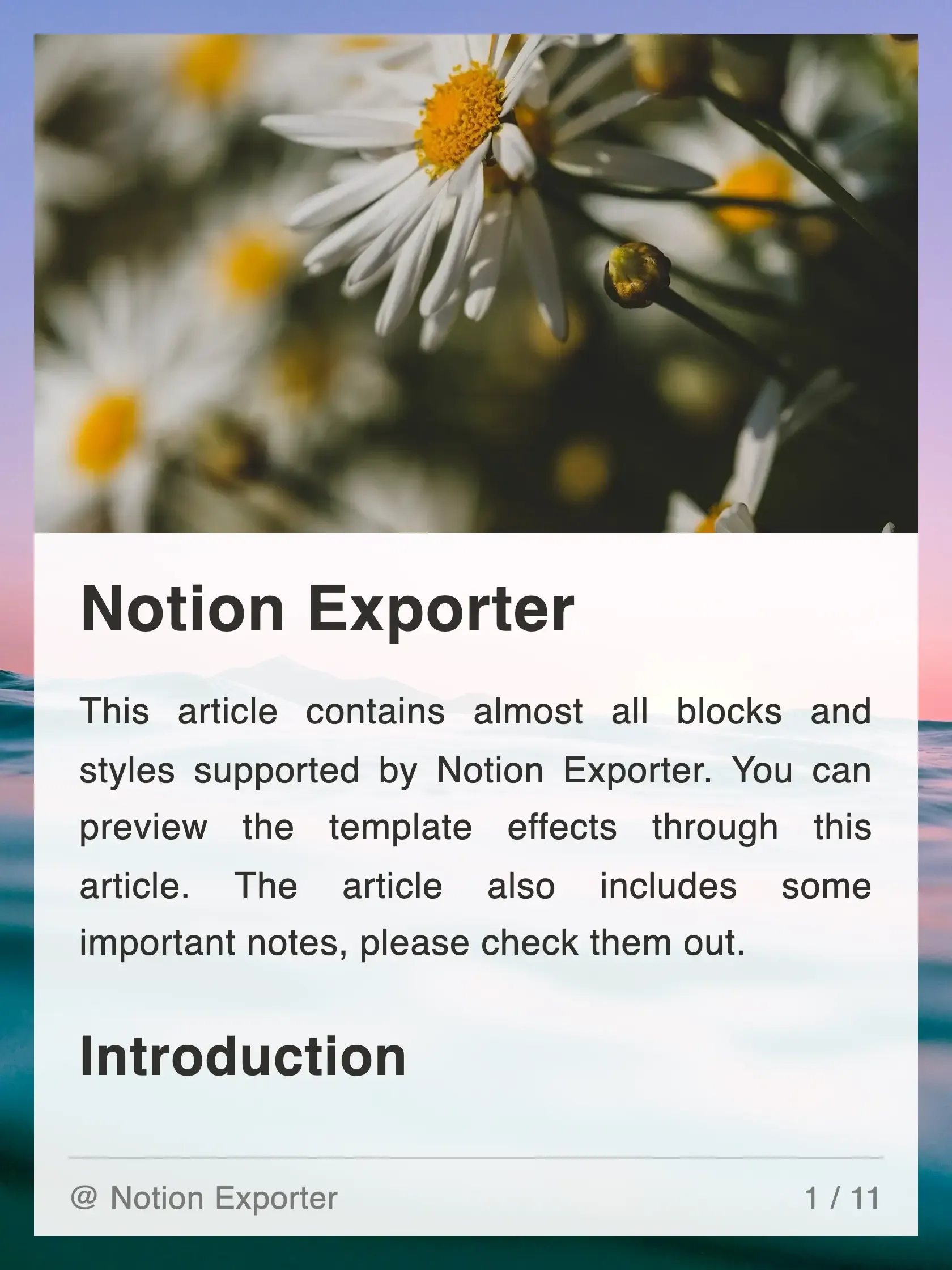
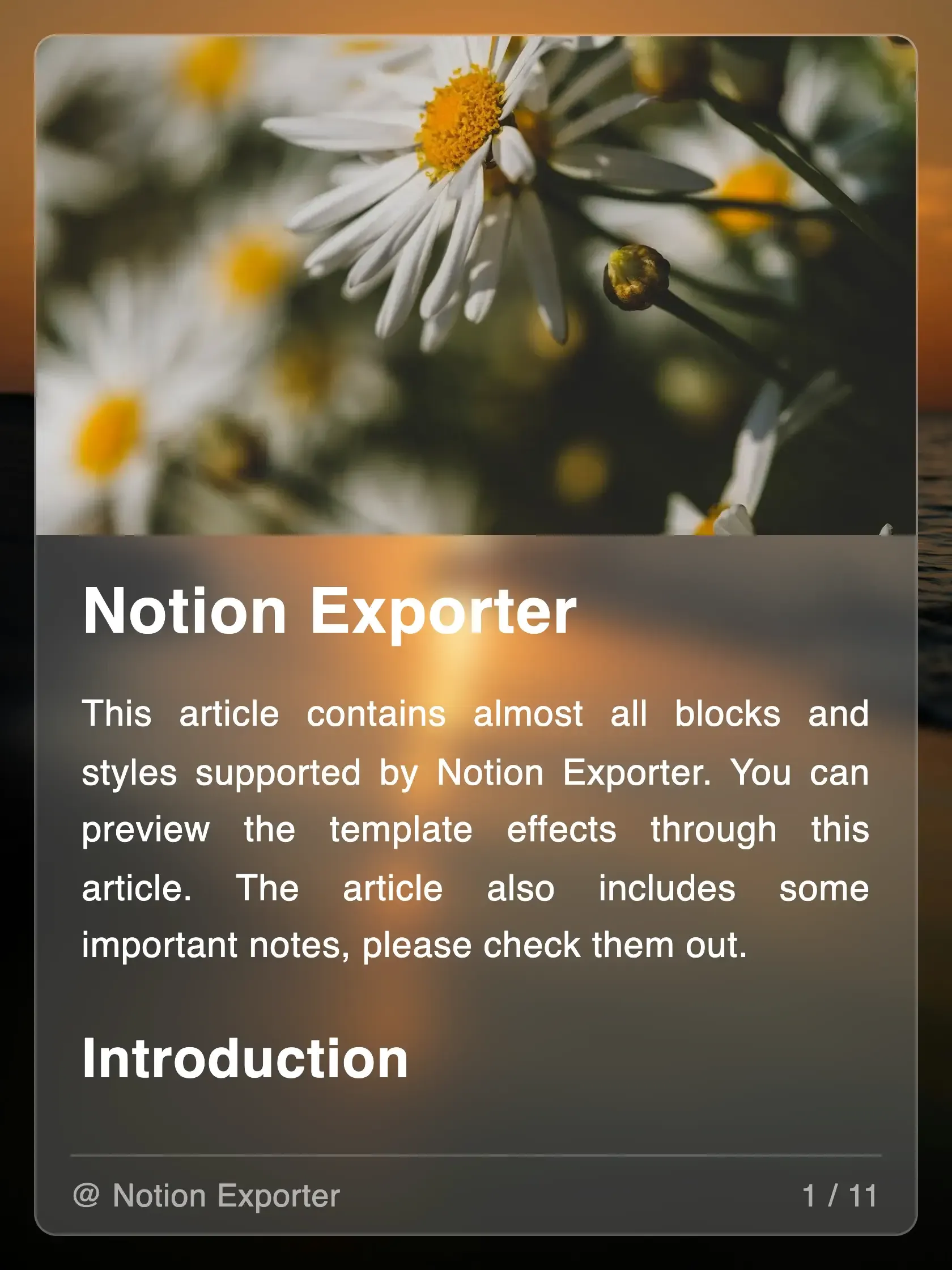
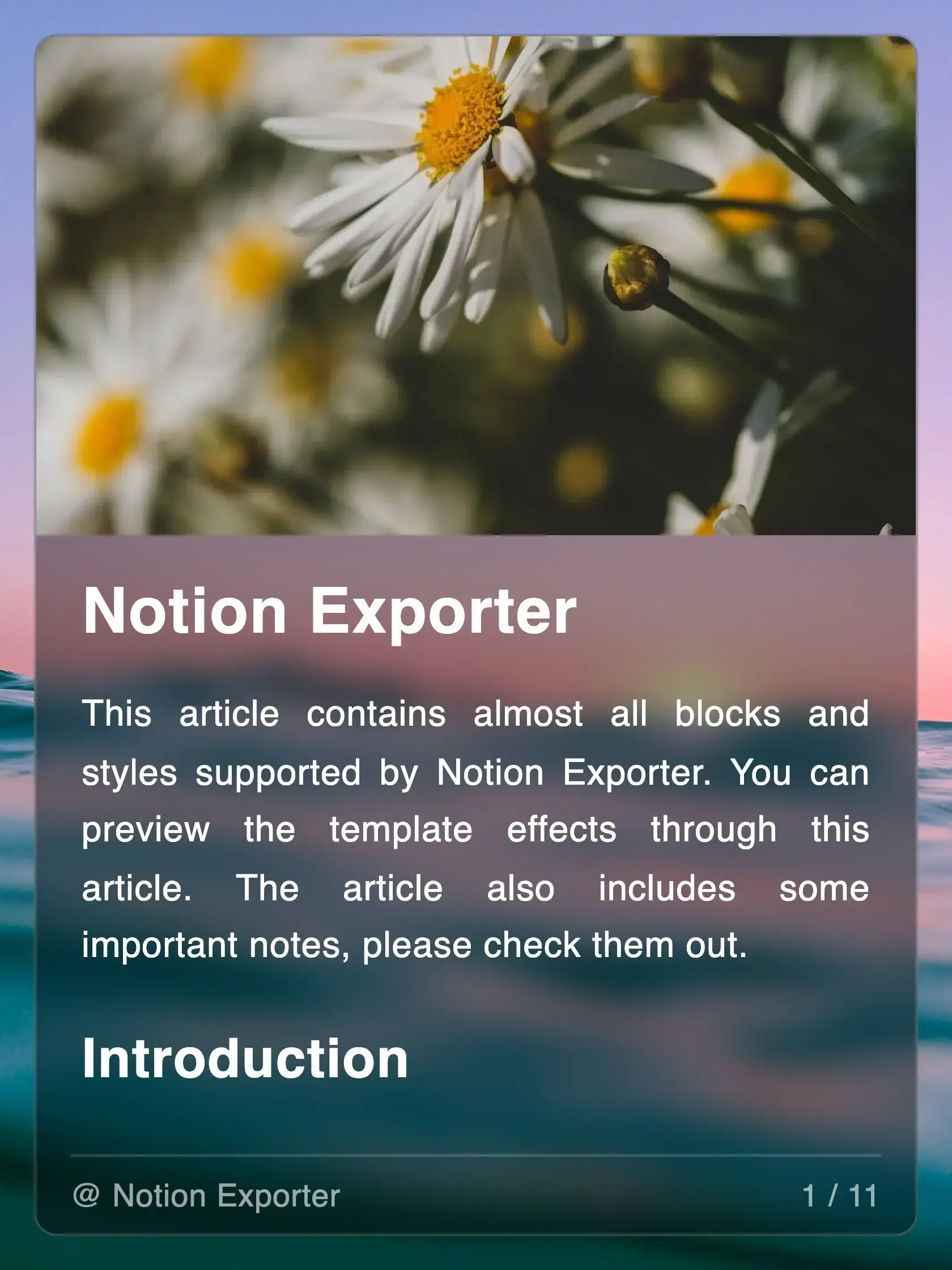
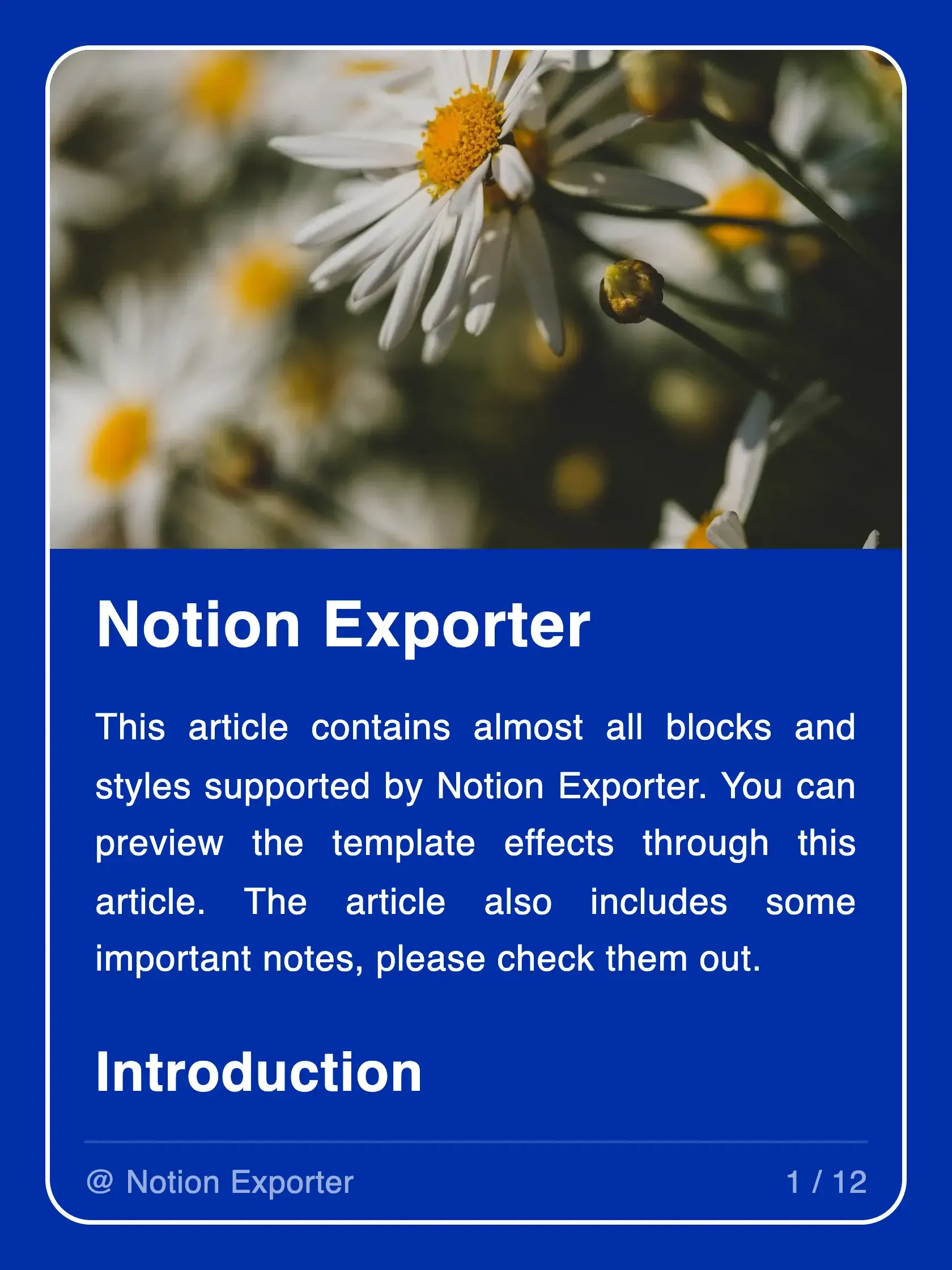
Built-in Templates
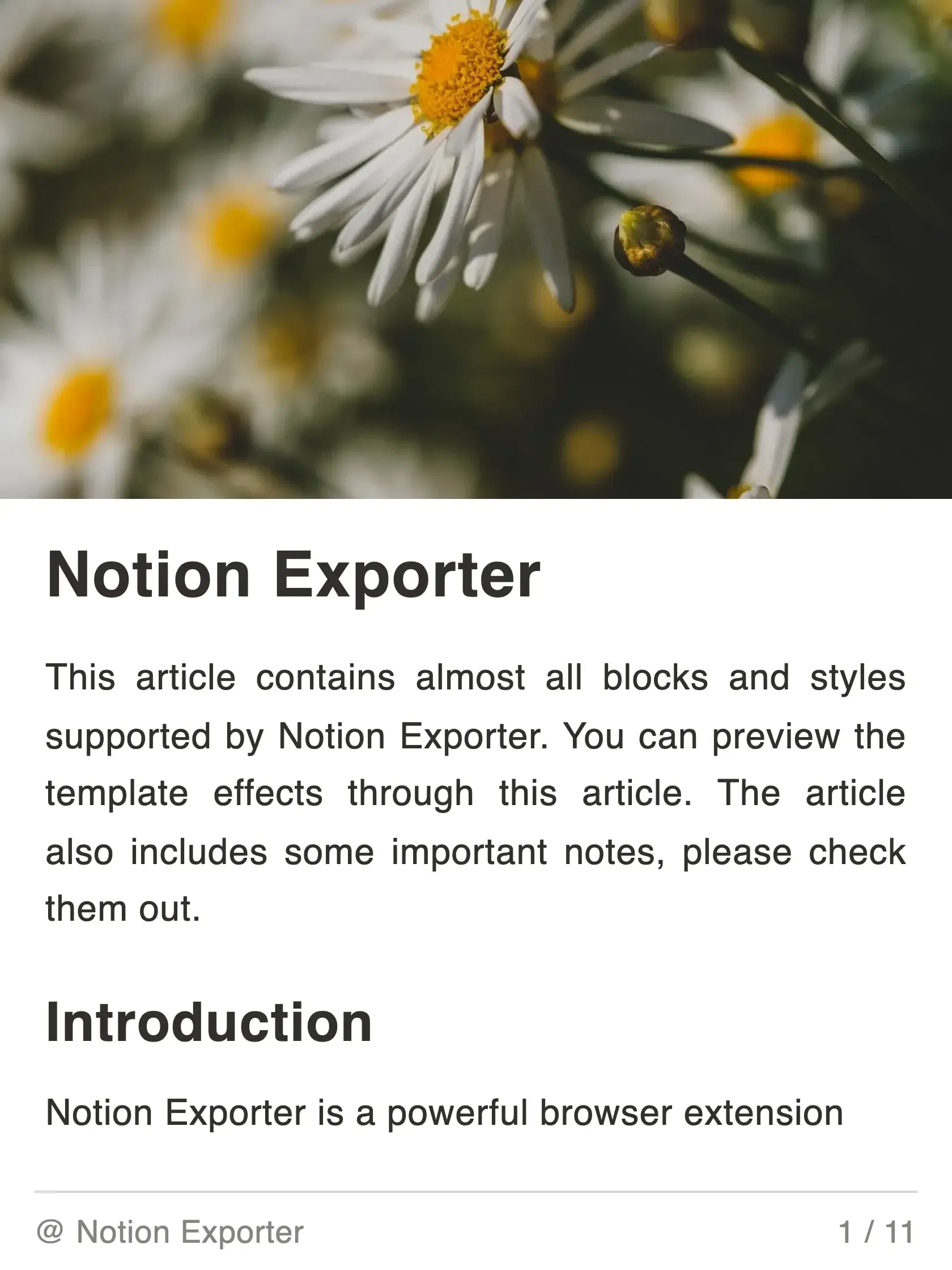
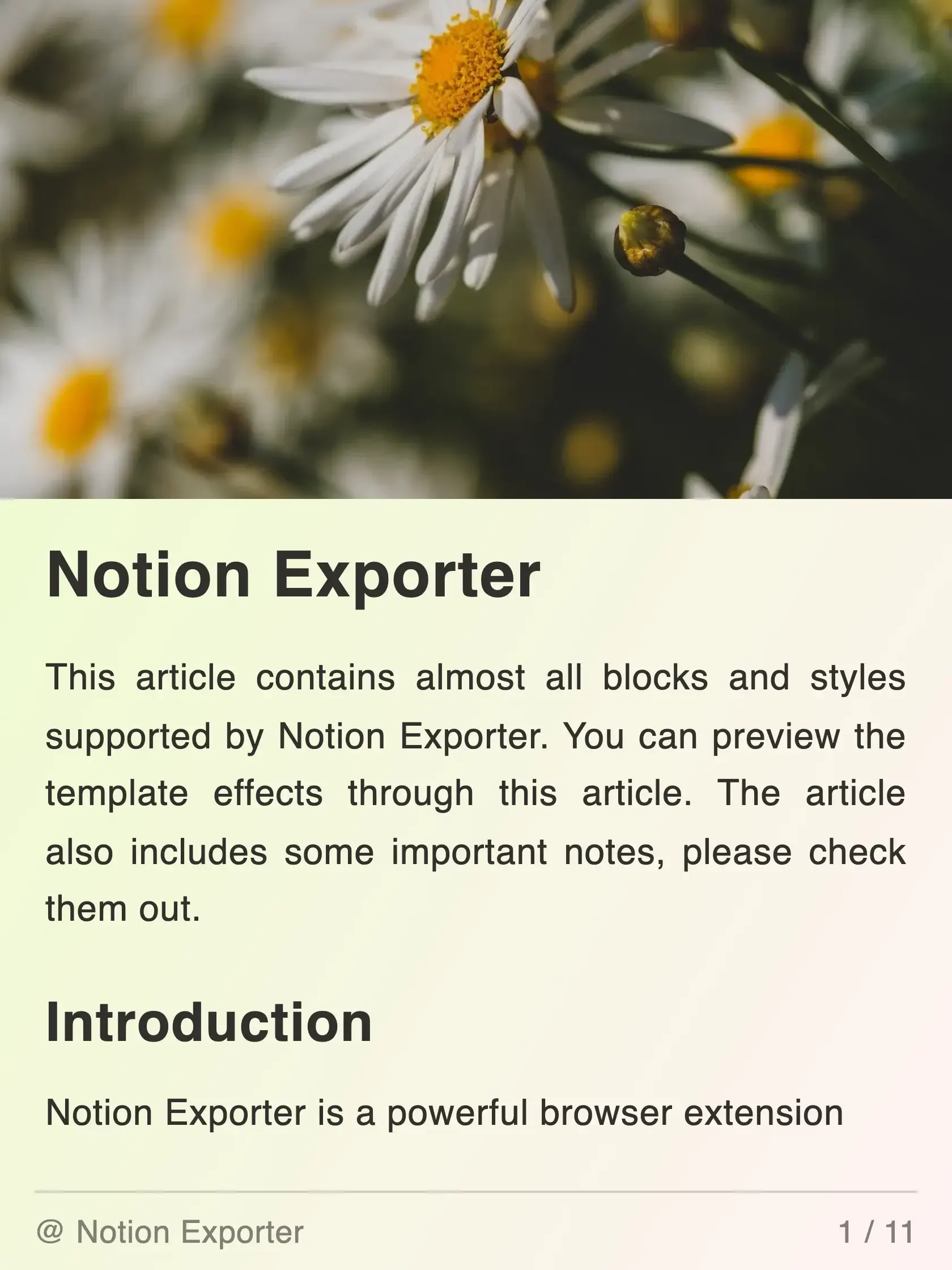
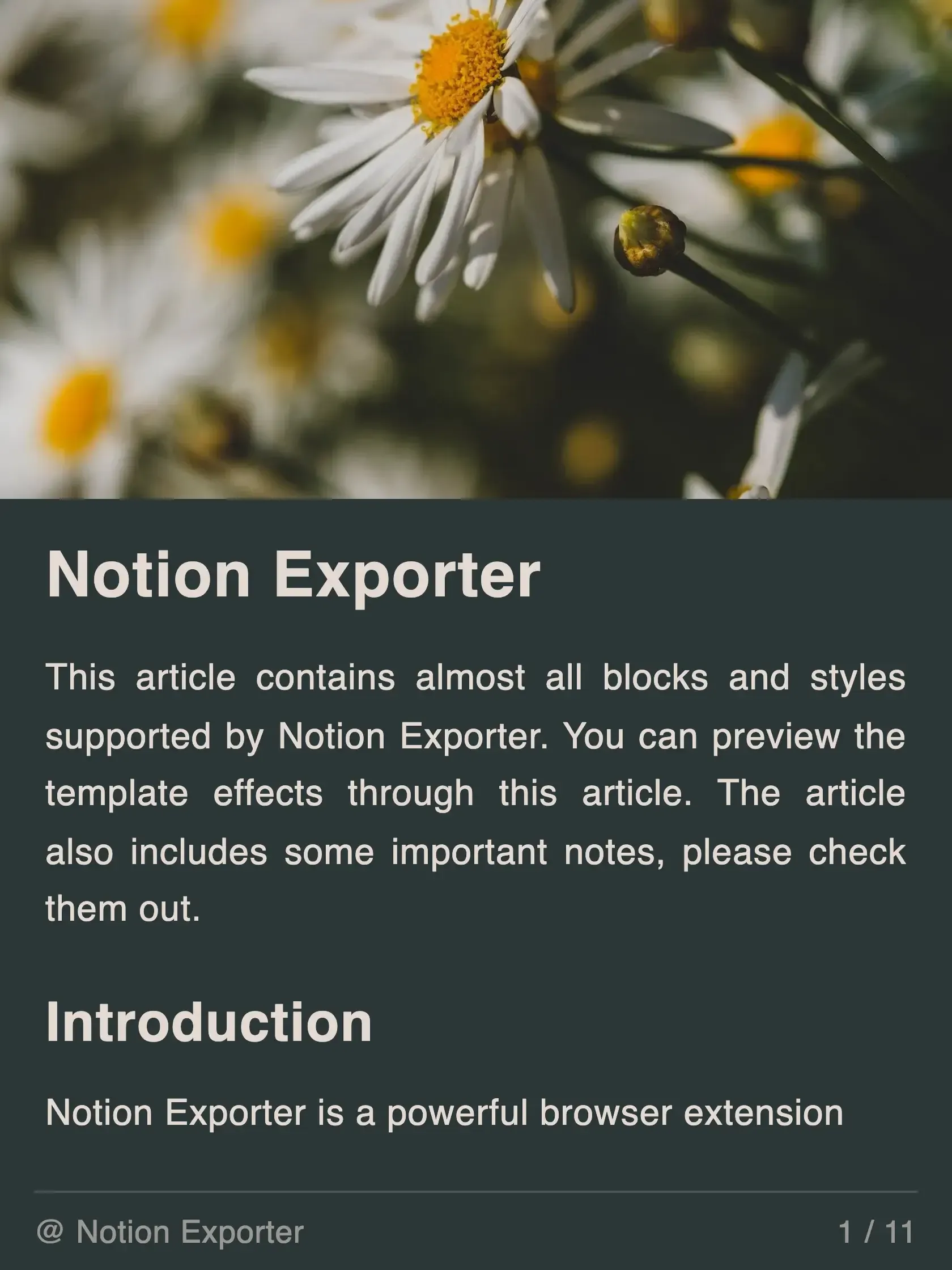
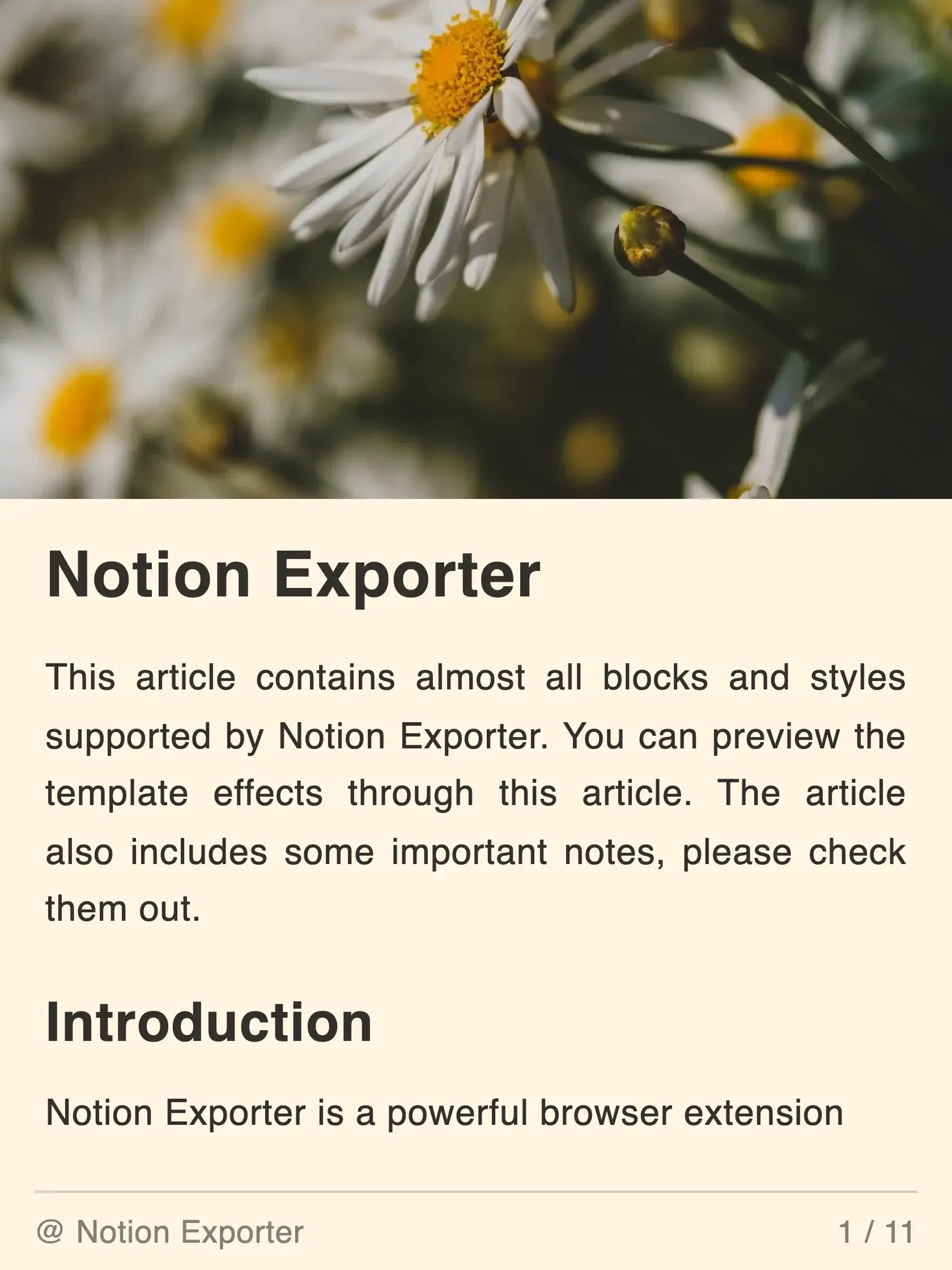
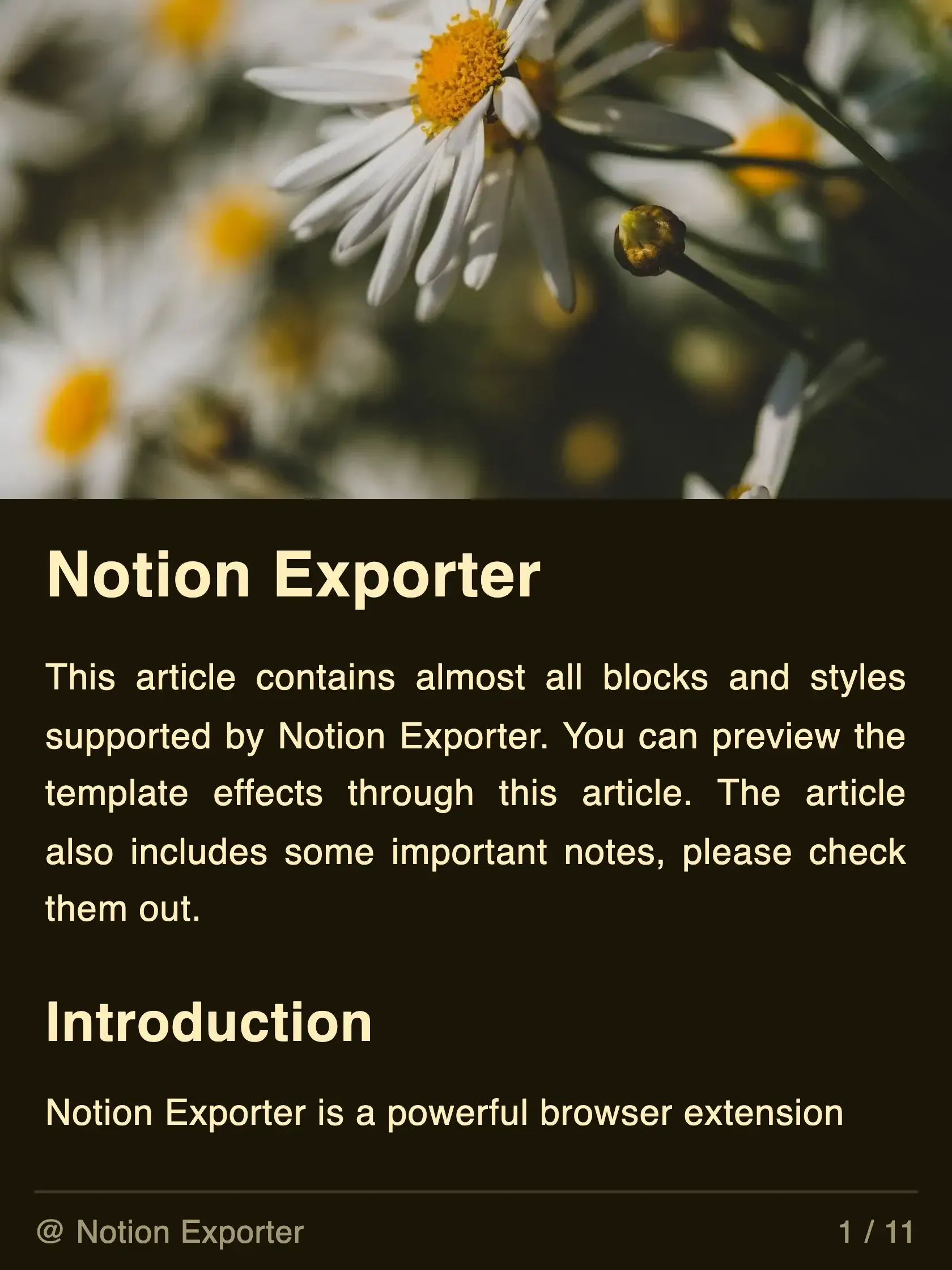
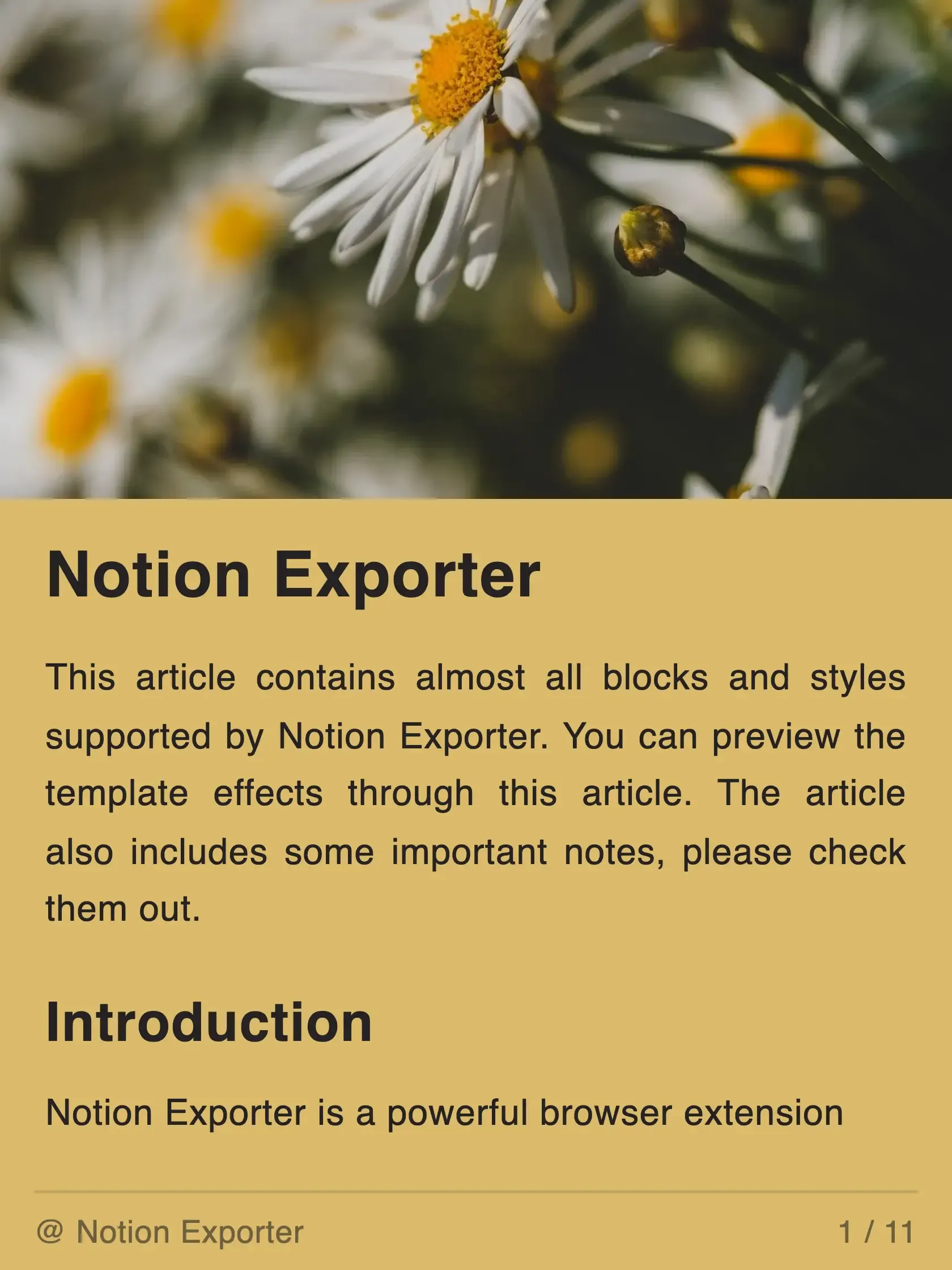
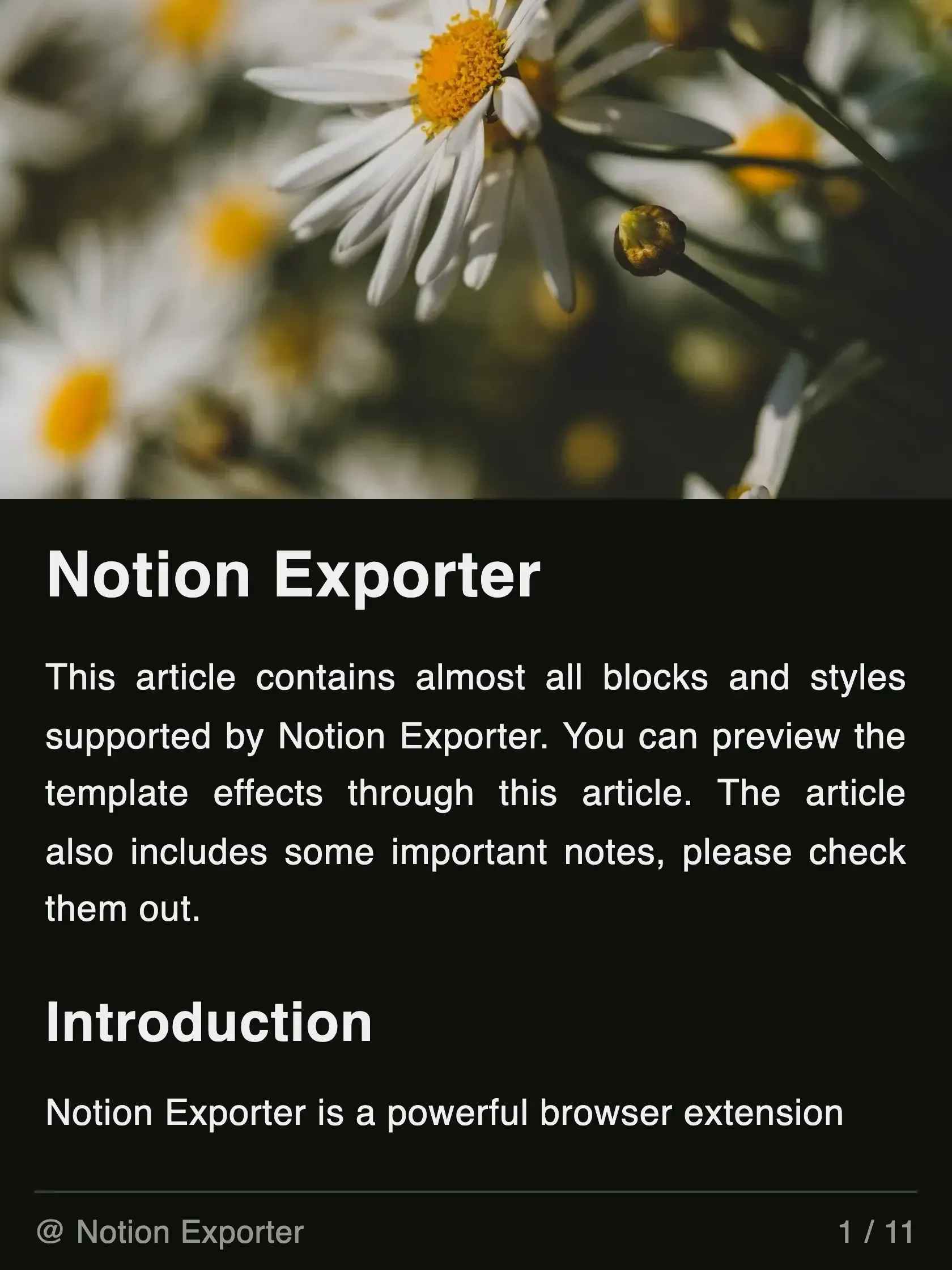
Get started quickly with a large collection of beautiful, ready-to-use card templates.
How to Use
Exporting notion to cards with Notion Exporter is very simple and only takes three steps.
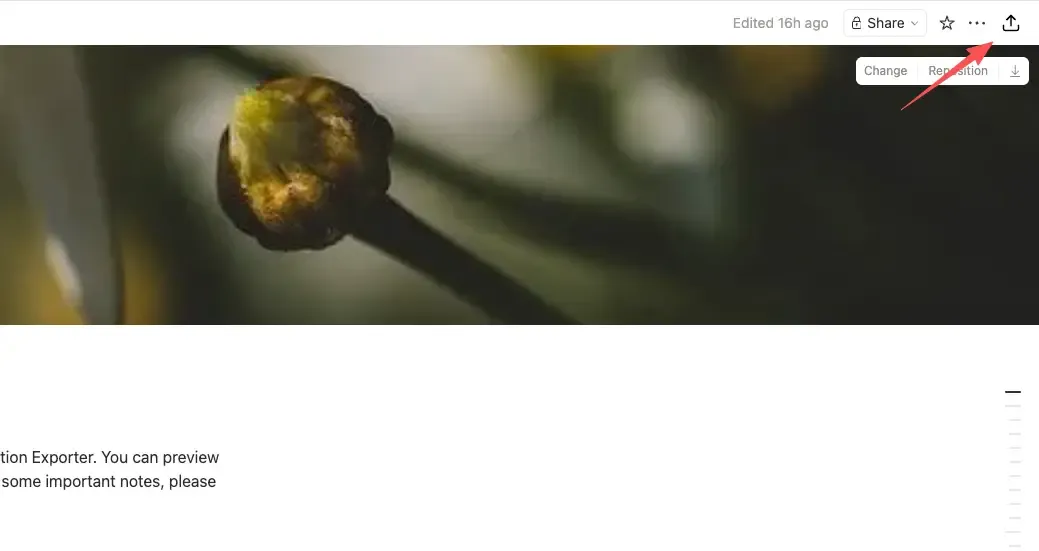
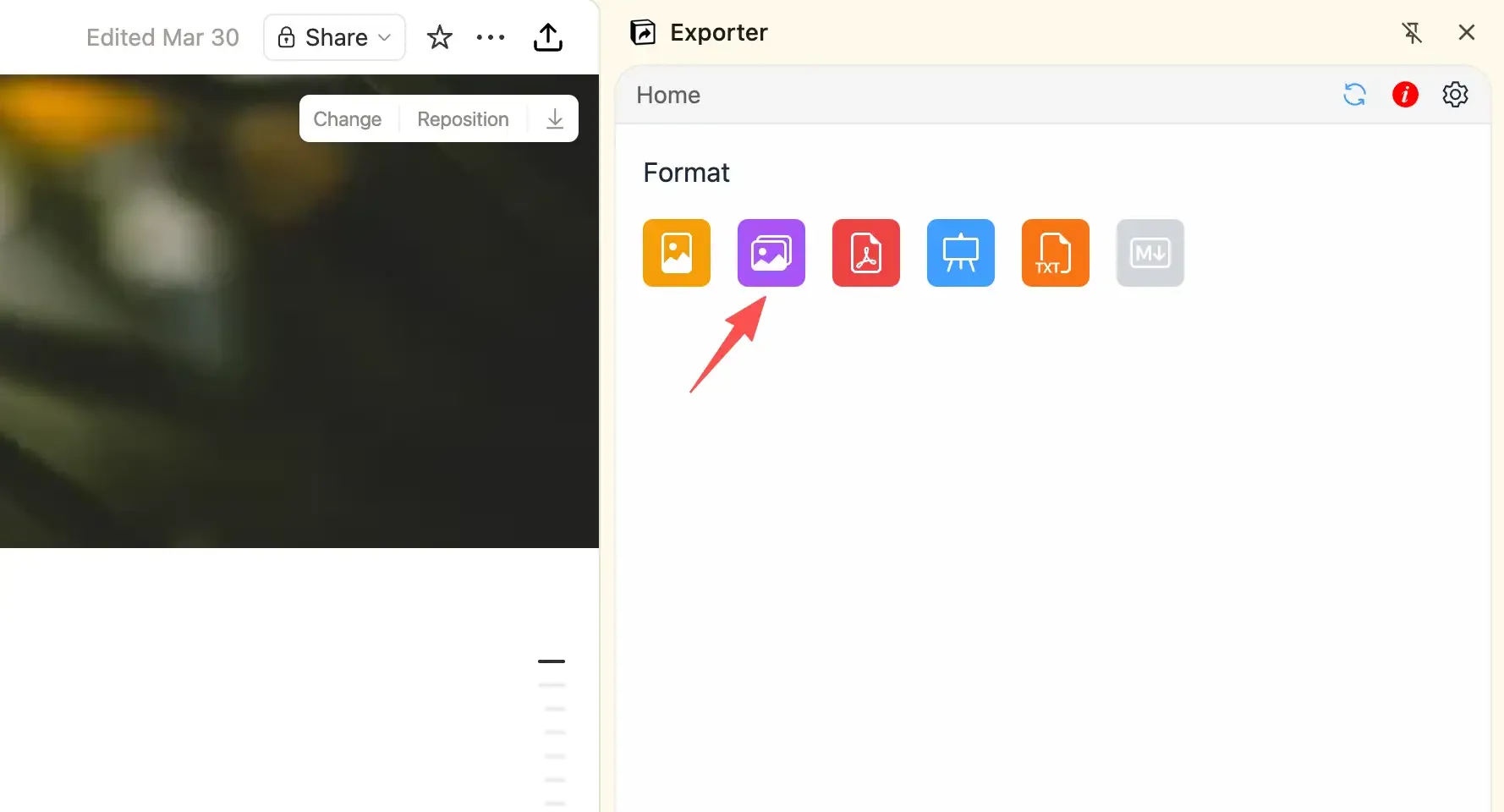
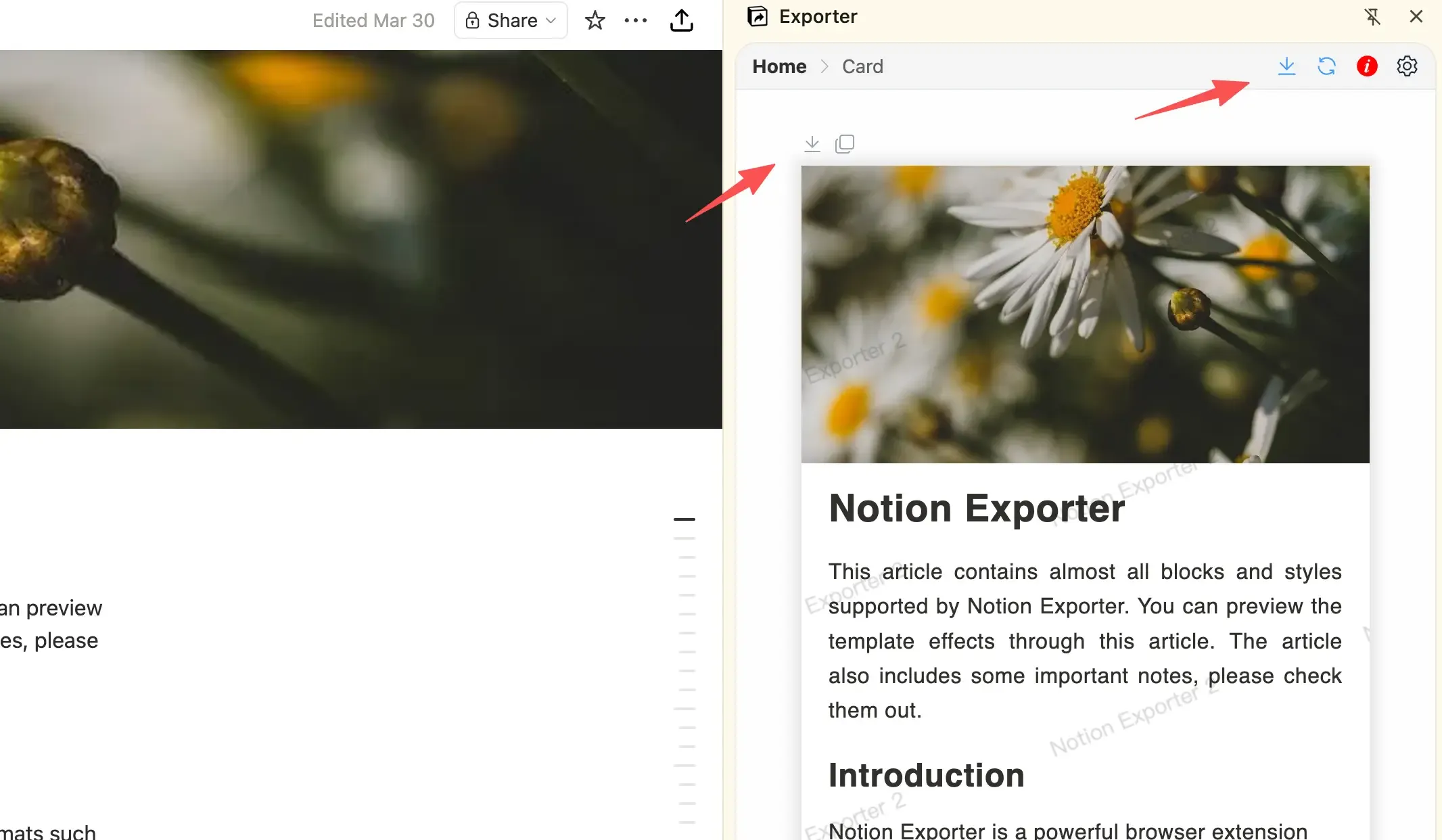
Step 1: Open the Notion Exporter Sidebar
Open a Notion page in your browser and click the export icon in the top-right corner to open the sidebar.
What Users Say
Hear from our users about their experience with Notion Exporter
This tool's super handy—it's really sped up my article editing. I'd totally recommend it!
Very useful! Especially the card export feature!
Fantastic! I've searched the entire web and couldn't find a better Notion extension. Highly customizable options, perfectly solving Notion's lack of multi-format export and publishing to various social media. The final output is elegant and refined. The developer responds to feedback very actively—mentioned a few points and updates came quickly. Awesome!!!
When will you allow Google Docs exporting from Notion please?
Very useful! Thank you so much!
This tool's super handy—it's really sped up my article editing. I'd totally recommend it!
Very useful! Especially the card export feature!
Fantastic! I've searched the entire web and couldn't find a better Notion extension. Highly customizable options, perfectly solving Notion's lack of multi-format export and publishing to various social media. The final output is elegant and refined. The developer responds to feedback very actively—mentioned a few points and updates came quickly. Awesome!!!
When will you allow Google Docs exporting from Notion please?
Very useful! Thank you so much!
The image splitting feature is very practical, but many styles are not matched yet. Hope they can be added.
Powerful and easy to use.
Awesome!
Notion Exporter solved the formatting issues when pasting Notion articles to WeChat Official Accounts.
The image splitting feature is very practical, but many styles are not matched yet. Hope they can be added.
Powerful and easy to use.
Awesome!
Notion Exporter solved the formatting issues when pasting Notion articles to WeChat Official Accounts.
Try Notion Exporter Now
The basic notion to cards feature is free to use. Only advanced customization features require a paid plan.